


CINEVIEW JOURNAL
Could Flicker and Dark Bands Ruin Your Studio Footage?
09/11/2026
By Dipesh, Cineview Studios.
The set looks steady to your eyes, but the recorded video pulses or has dark stripes moving across it. You may only notice the problem when you play the footage back. Finding it after the set has been packed away can mean an expensive reshoot.
When arranging film studio hire at Cineview Studios in Greenwich, put a lighting and camera test in the schedule. Use the actual camera, frame rate and lighting levels planned for the shoot. A light that looks fine in one setup may behave differently in another.
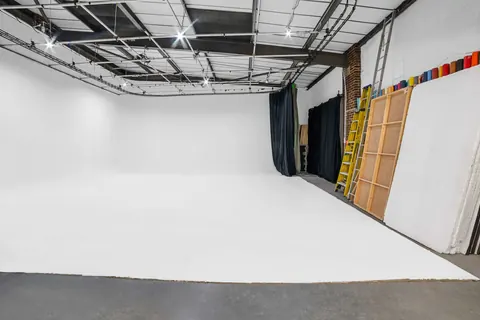
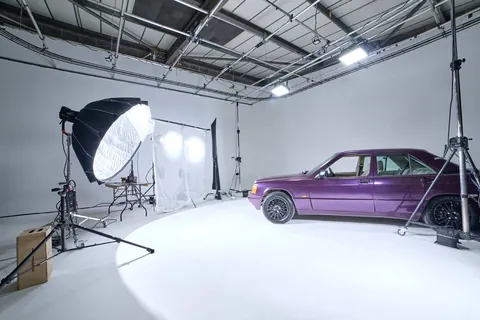
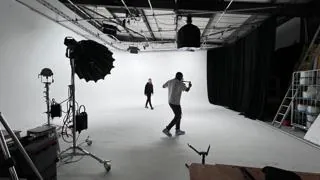
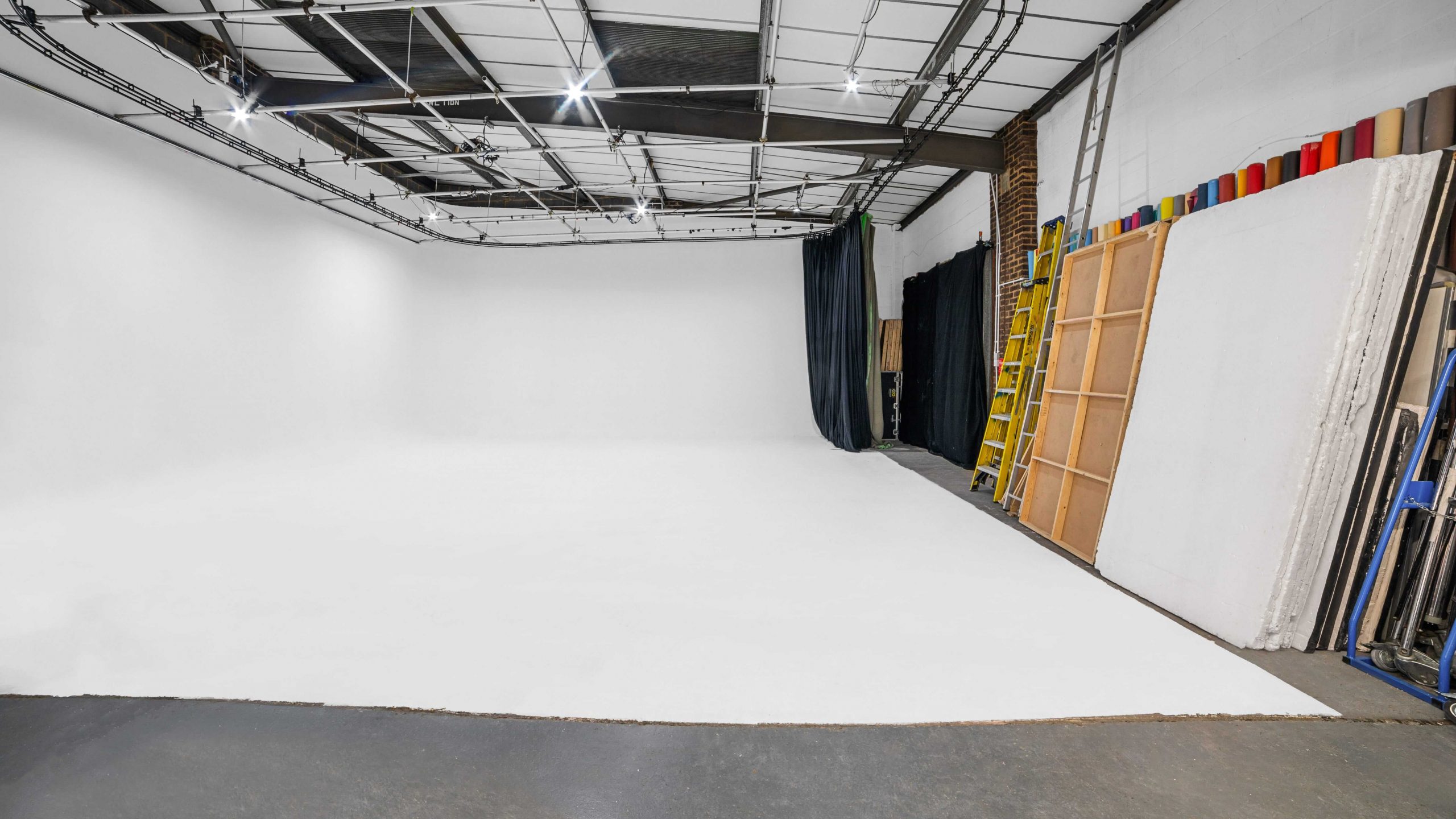
Cover photograph: the real white cove at Cineview Studios. Equipment and crew are included only where agreed in your booking.
Why does a steady-looking light flicker on camera?
Some lights change brightness faster than your eyes can easily see. A camera records short slices of time, so those changes can appear as pulsing brightness or bands. LED dimming, household bulbs and screens can each behave differently.
Start by recording a short clip of the actual subject and background. Play it back rather than judging only the live camera display. If the whole picture is changing brightness, also check whether automatic exposure is adjusting as the subject moves. Lock exposure for the test so you can separate a camera adjustment from a lighting problem.
Could the wrong shutter setting cause dark bands?
The UK mains supply runs at 50Hz. For ordinary video under mains-related lighting, 25 frames per second with a 1/50-second shutter, or 50 frames per second with a 1/100-second shutter, are useful starting points. They are not a guarantee: LED drivers, dimmers and screens can use different timing.
Keep the required delivery frame rate in mind. Ask the camera operator to test an appropriate shutter speed or the camera’s fine shutter adjustment where available. Check the recorded result after every change. Changing shutter speed also changes motion blur and exposure, so a technically clean frame still needs to suit the intended look.
For a film studio hire London enquiry, mention your frame rates, camera model and any special lighting effects. This helps the team discuss suitable equipment before the shoot rather than discovering a mismatch on the day.
Will dimming the lights make the problem worse?
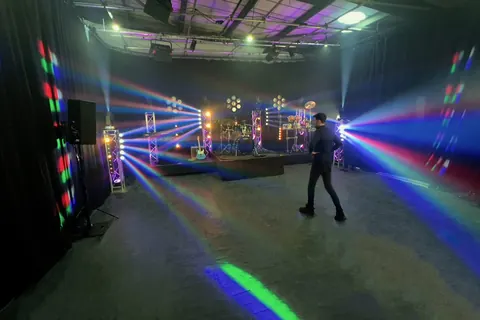
It can. Some fixtures change the way they produce light at low output. A clean test at full brightness does not prove that the same light will behave well at ten per cent. Test the intended brightness and colour setting, including coloured LEDs and decorative lamps.
Check Cineview’s equipment catalogue and agree the exact fixtures, modifiers and costs. Do not assume that every listed light is included or suitable for every frame rate. If a fixture causes problems, ask the lighting team about a tested alternative or another safe way to control exposure. Do not modify electrical equipment or improvise a dimmer.
Could slow motion reveal flicker that normal video hides?
Higher frame rates often use shorter exposure times, which can reveal changes that were averaged out during a normal-speed test. Record each planned slow-motion mode separately. Include the actual action, then review the clip at its intended playback speed.
A successful 25fps test does not validate 100fps or 200fps. Give the lighting team your highest capture frame rate before booking and allow time to test. Avoid promising a particular high-speed result until the camera and lights have been checked together.
Will an infinity cove or blackout setup remove flicker?
An infinity cove provides a continuous background, but it cannot correct the timing of a light. In an infinity cove studio, check a wide view of the white background as well as the subject. Uneven brightness may be easier to spot across a large plain surface.
A blackout studio helps control unwanted light. For blackout studio hire, the lighting team can test sources one at a time to find which causes the problem. Keep safe working light for crew between takes. Cove and blackout are alternative configurations of Cineview’s studio, so discuss any changeover before arrival.
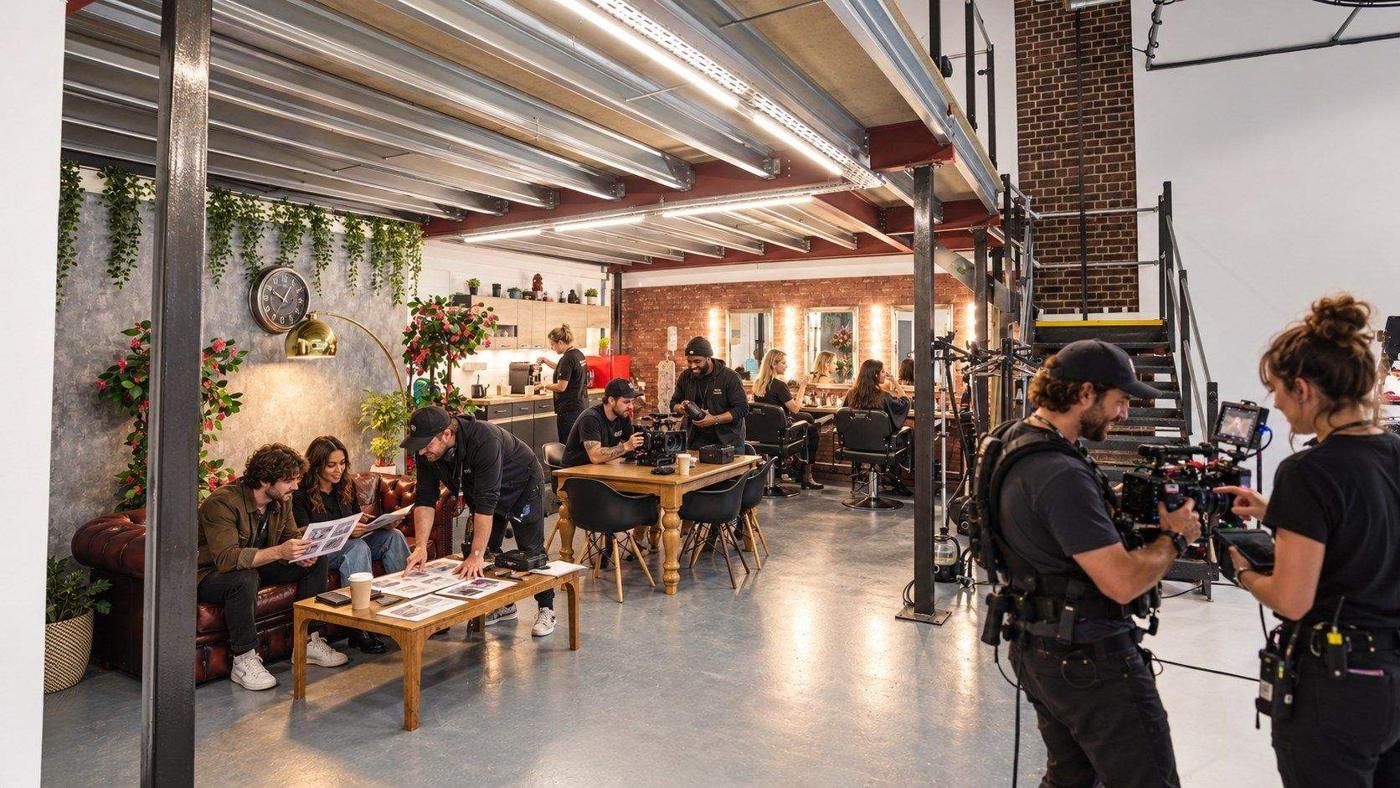
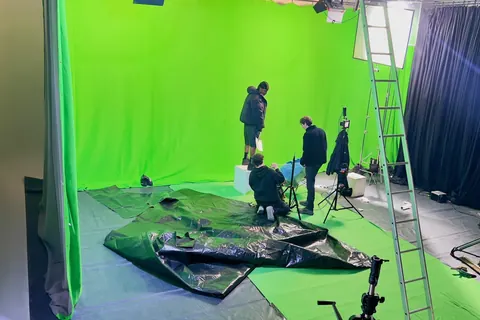
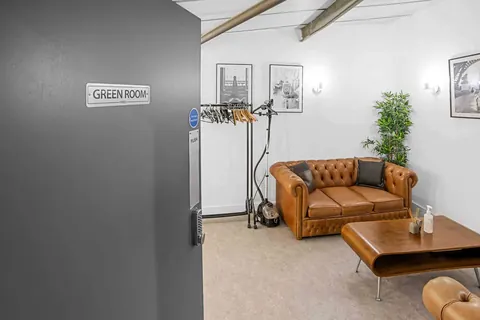
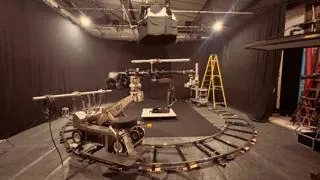
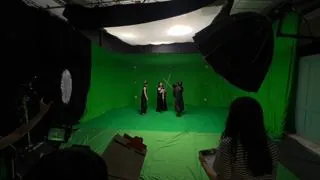
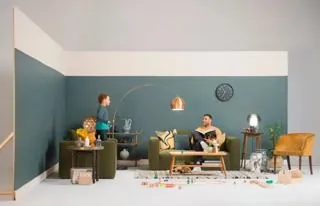
Use preparation time to agree who records the test and who checks it. This illustration shows shoot preparation, not a technical demonstration of flicker-free lighting.
Could a phone, laptop or sign create stripes in the shot?
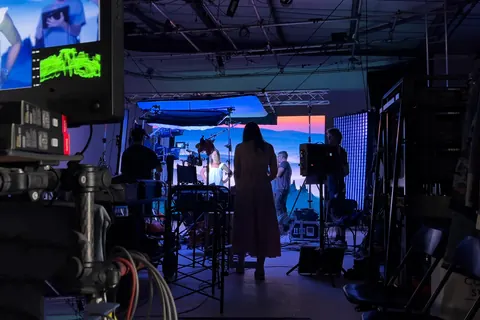
A screen has its own refresh and brightness controls. If the room looks fine but the screen has moving bands, test the screen separately. Try suitable brightness or refresh settings on equipment you control, and let the camera operator check compatible shutter adjustments.
Record the actual screen content, including any animation. A still menu is not enough to prove that the finished shot will work. If a clean result is not possible, discuss replacing the screen image in editing. That needs planning, extra work and a clear agreement, rather than an assumption that it can be fixed later.
Can dark bands affect still photographs too?
Yes. During photo studio hire, an electronic shutter under some artificial lights can produce bands. Check the camera’s anti-flicker options and test a mechanical shutter where the camera supports one. These features vary by model and do not solve every lighting issue.
For photography studio hire with flash, a dark strip may instead indicate a shutter speed above the camera’s supported flash sync speed or a triggering problem. Check camera, trigger and flash compatibility. Do not treat that as the same problem as continuous-light flicker.
Could skipping tests turn cheap studio hire into a reshoot?
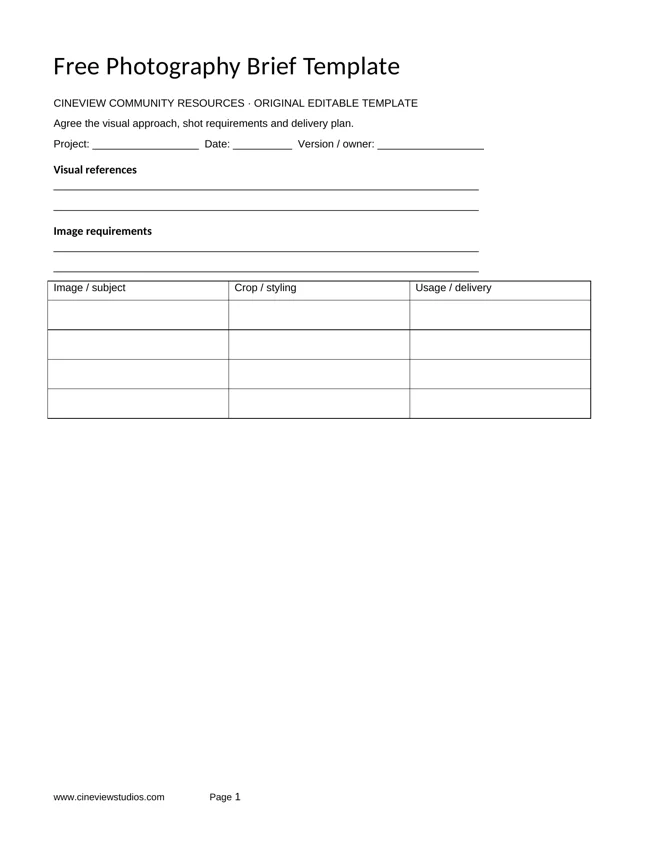
If you search for “photo studio near me” or “photography studio near me”, ask how the booking can accommodate setup and tests. For photography studio hire London projects, explain whether you need still images, video or both. When you enquire to hire photo studio space, send your camera and lighting requirements with the brief.
Cheap studio hire is only useful if you leave with usable files. Review Cineview’s prices and quote information and budget for testing, filming, review and pack-down. A studio hire London quote should make the agreed hours and equipment clear. Full payment is required to secure the booking.
The solution: test every lighting and recording combination before the main takes
- Record a short test with the real camera, lights and dimmer levels.
- Check exposure settings before assuming the lights are faulty.
- Review normal-speed and slow-motion modes separately.
- Test screens and decorative lamps within the final composition.
- Repeat the check after changing the shutter, lights or brightness.
- Confirm clean recorded footage before dismantling the set.
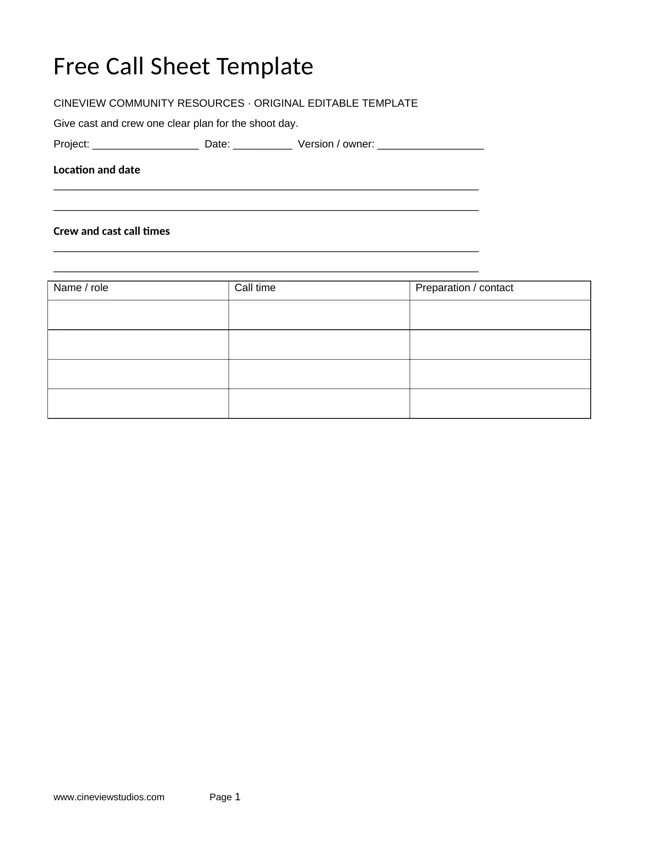
Send Cineview your preferred date and shoot brief. Include your frame rates, screens and lighting ideas so the booking can allow for the equipment and test time your production needs.