
Colour / Learn by doing
Colour Checker explained simply
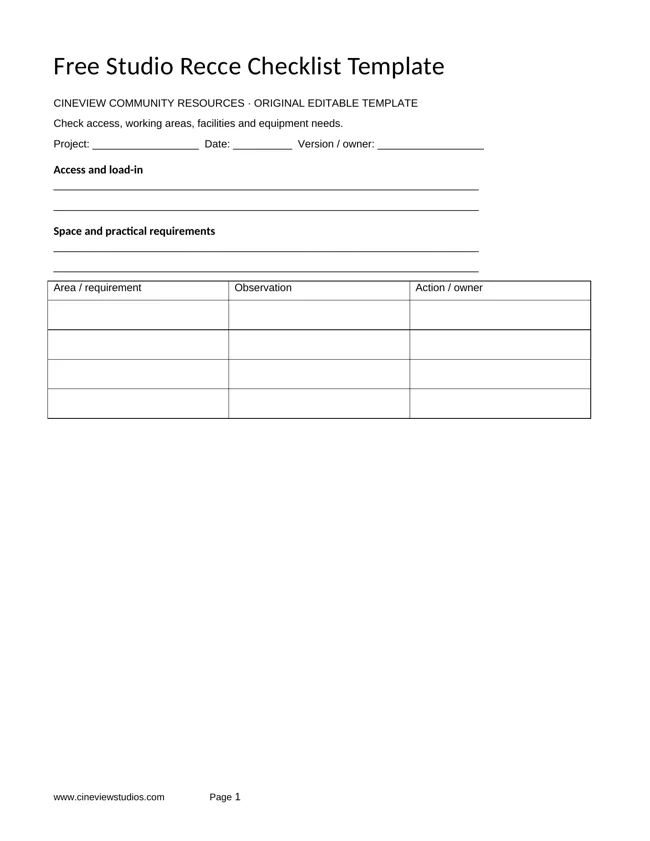
What is “Colour Checker”?
A chart of known colour patches used as a reference for colour correction and camera profiling.
- 01Known patches
- 02Shoot reference
- 03Compare or profile
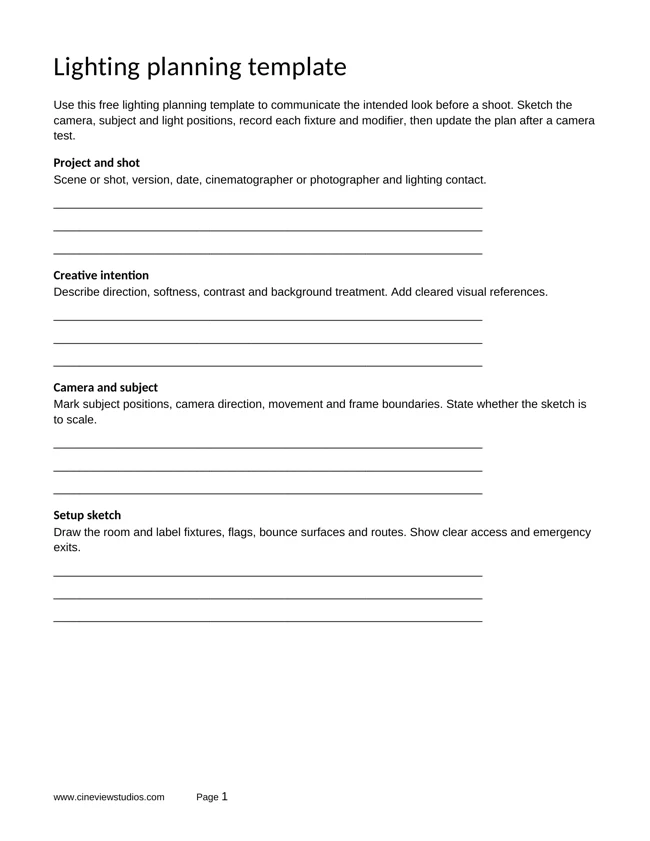
How do you use Colour Checker practically?
A small exercise
Photograph the chart under your actual shoot lighting, without glare. Keep that frame with the session and use supported profiling tools if needed.
- Make a starting version and keep it so you can compare fairly.
- Try the change in the exercise. Keep unrelated choices steady where the exercise allows.
- Compare the result at the size your viewer will actually see. Write down what changed and whether it helped.
How does Colour Checker solve a problem?
It helps compare colours across a series or between cameras under controlled lighting.
What can go wrong?
A chart does not replace consistent lighting, correct exposure or a suitable display. Follow the chart maker’s workflow.
How do you turn the idea into a useful solution?
Start with the specific problem in your image or brief, try the exercise, and keep the version that meets that need. If the result is worse, return to the starting version and change one choice at a time.
Quick check: can you explain the three ideas in the diagram?
Known patches → Shoot reference → Compare or profile. Explain how each relates to the exercise. Then compare the starting version with your result and choose the one that meets your brief.
Related video lesson
White balance — Canon
This related lesson gives wider context for the topic. Camera menus and software versions may differ from yours.
Loading the player connects to YouTube. You can also watch the lesson on YouTube.Keep exploring
Try the idea in a studio shoot
Planning a portrait or product session? Use the glossary with our practical shoot guides, then check the studio facilities and send your confirmed requirements with an availability enquiry.