
CINEVIEW JOURNAL
Could Clipped Highlights Hide Important Detail in Your Studio Shoot?
10/11/2026
By Dipesh, Cineview Studios.
A white shirt loses its weave. A face has a bright patch with no skin detail. A pale product blends into the background. These are easy problems to miss on a small camera screen, especially when the image looks bright and clean at first glance.
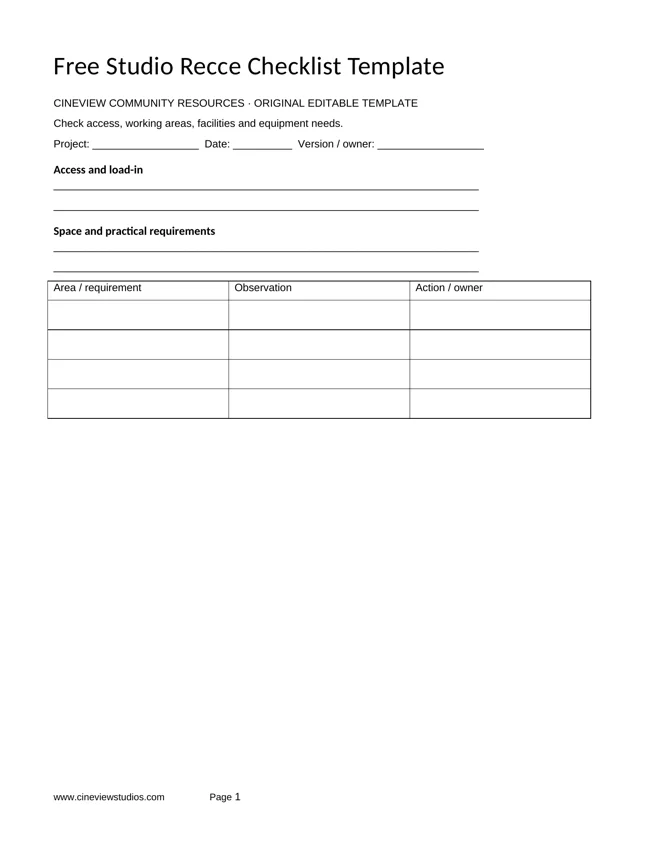
For photo studio hire at Cineview Studios in Greenwich, build a short exposure test into your setup time. Check the brightest important parts of the subject before photographing the whole range or recording the main performance.
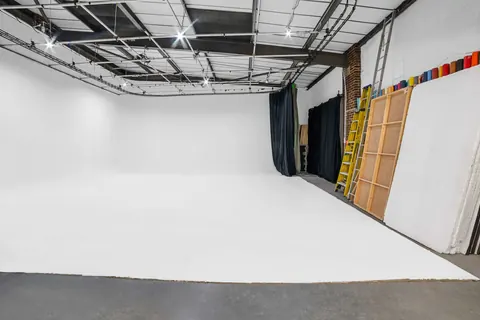
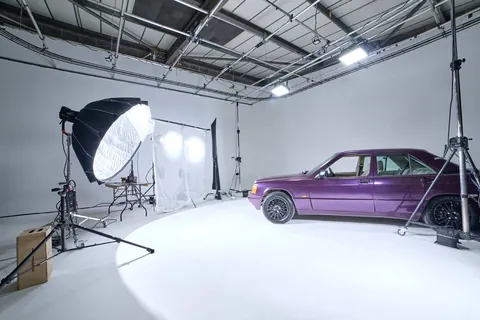
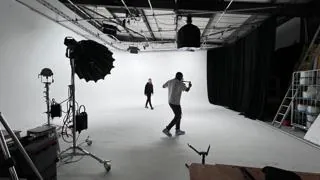
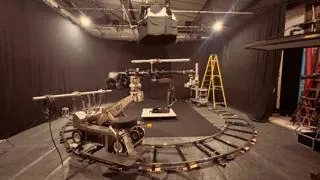
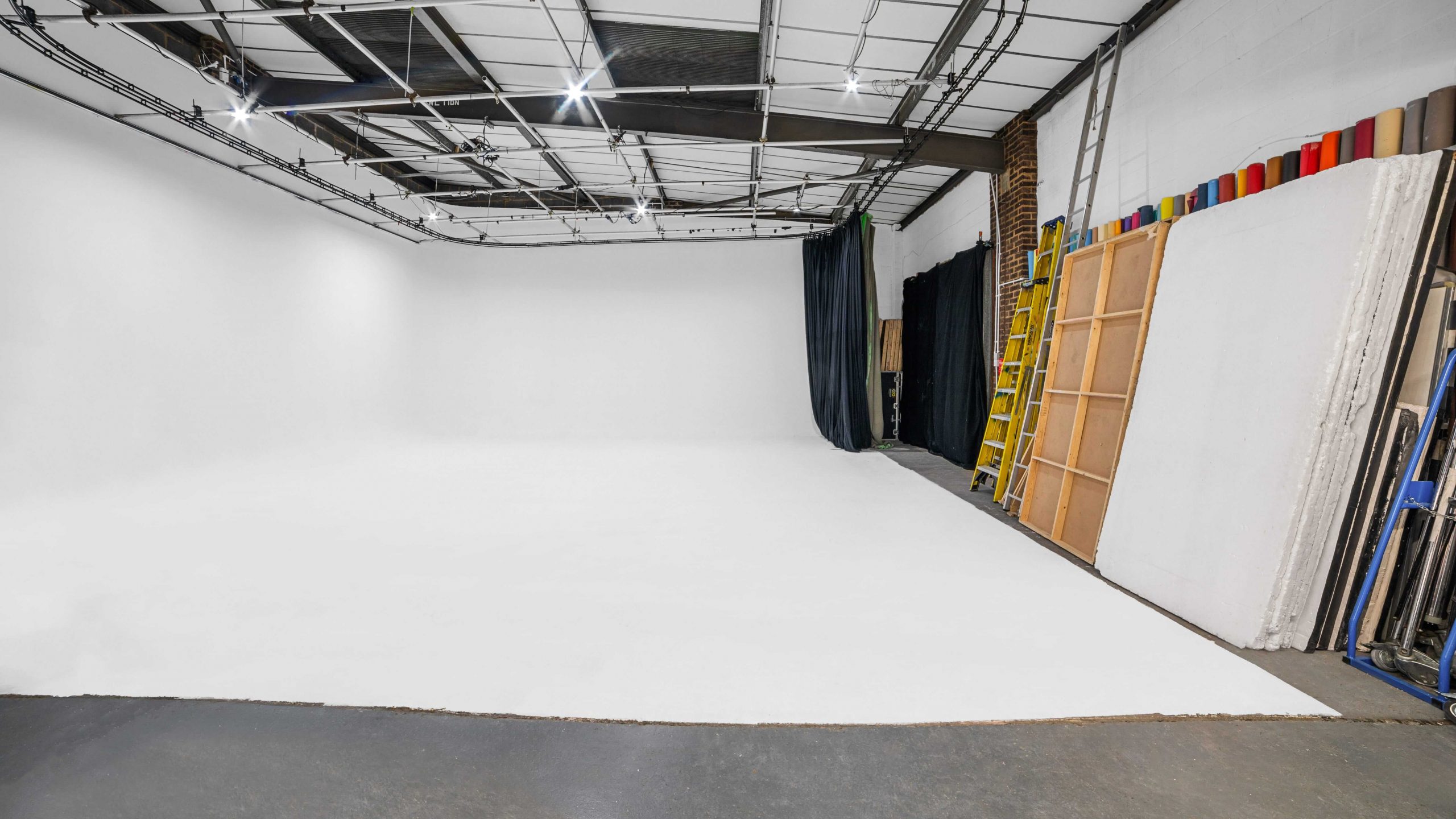
Cover photograph: the real white cove at Cineview Studios. Equipment and crew are included only where agreed in your booking.
Why has the texture disappeared from a white shirt or product?
Clipping happens when part of the image reaches the recording limit and no longer holds the detail you need. A bright area may become a flat patch rather than showing fabric, lettering or surface texture. Making that patch darker in editing does not necessarily bring the missing information back.
Start with a test frame of the actual subject. Check white fabric, pale packaging, foreheads and any bright coloured labels. Reduce exposure or change the lighting where necessary, then compare another frame. Keep the intended look in mind: a small bright sparkle on metal may be acceptable, while missing text on a product label usually is not.
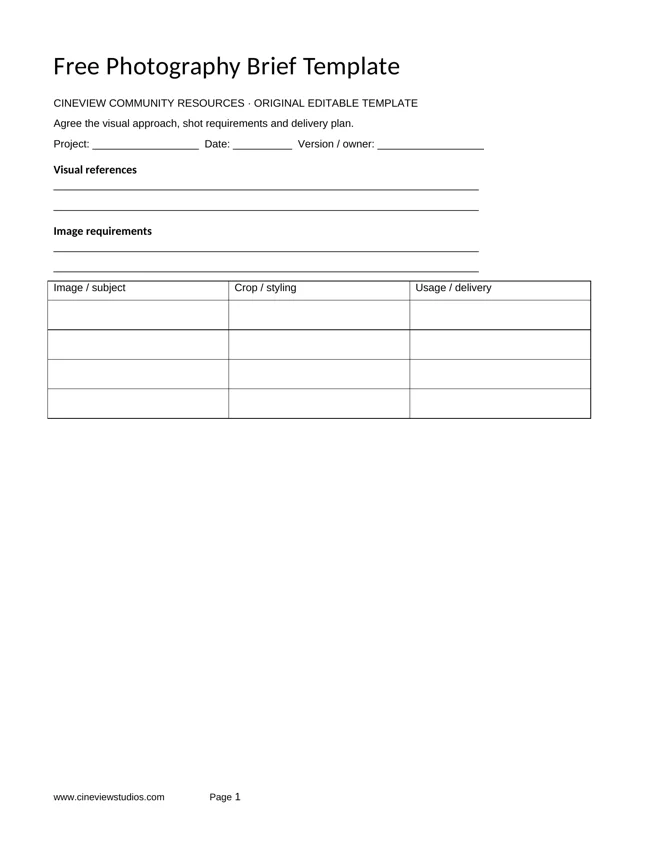
For photography studio hire, send reference images that show which details must remain visible. This gives your photographer a clear target before the lights are set.
Could the camera screen make an overexposed image look fine?
Screen brightness is not a reliable exposure measurement. A bright display can make a dark image look usable, while a dim display can hide how bright the recorded image really is. Review a recorded test and use the camera’s exposure tools as well as your eyes.
A histogram shows how tones are spread across an image. Highlight warnings, often called blinkies or zebras, can help locate bright areas. Learn how your camera generates these warnings: a stills histogram may reflect a JPEG preview rather than the full RAW file, and video warnings depend on the selected picture settings.
There is no single zebra setting that suits every camera, recording profile and subject. Check the manufacturer’s guidance and test the actual recording mode. When available, an RGB histogram or waveform can help reveal a colour channel reaching its limit even when overall brightness seems reasonable.
Will making the infinity cove brighter wash out the subject?
An infinity cove gives a continuous background, but adding more light does not always improve it. Too much background light can spill onto a pale subject or enter the lens, reducing contrast and making edges harder to see.
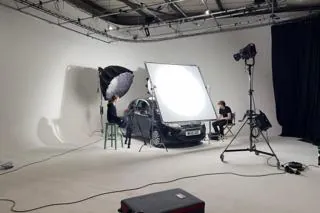
In an infinity cove studio, light the subject and background with separate control where the setup allows it. Check the edge of a white sleeve or pale bottle against the background. Adjust light position, output and subject distance rather than turning every light up together.
If the brief calls for a pure white background, agree how it will be finished without losing the subject’s outline. A deliberately white background and a clipped white garment are different decisions. Keep studio-approved floor protection and safe working routes in place as you adjust the setup.
Could a blackout setup still produce bright patches with no detail?
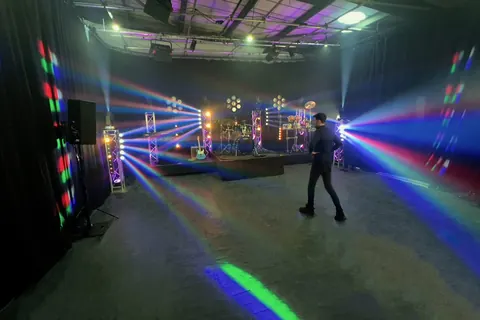
Yes. A blackout studio helps you control unwanted light, but it does not limit the brightness of a lamp or reflection. A strong edge light can still erase detail on a shoulder or shiny product against a dark background.
For blackout studio hire, check the brightest lit edge as well as the overall mood. Change the light angle, soften the source where appropriate or reduce its output. Do not brighten the whole image just because most of the background is black.
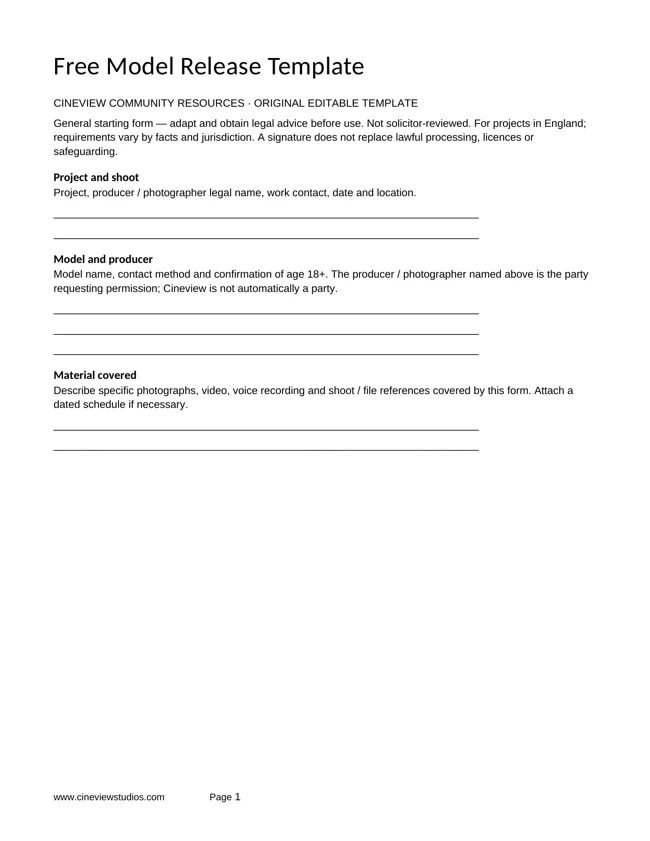
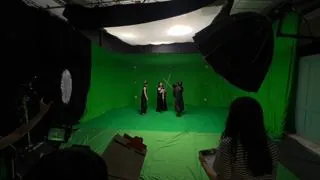
Cove and blackout are alternative configurations of Cineview’s studio. Discuss the chosen setup and any changeover time before booking.
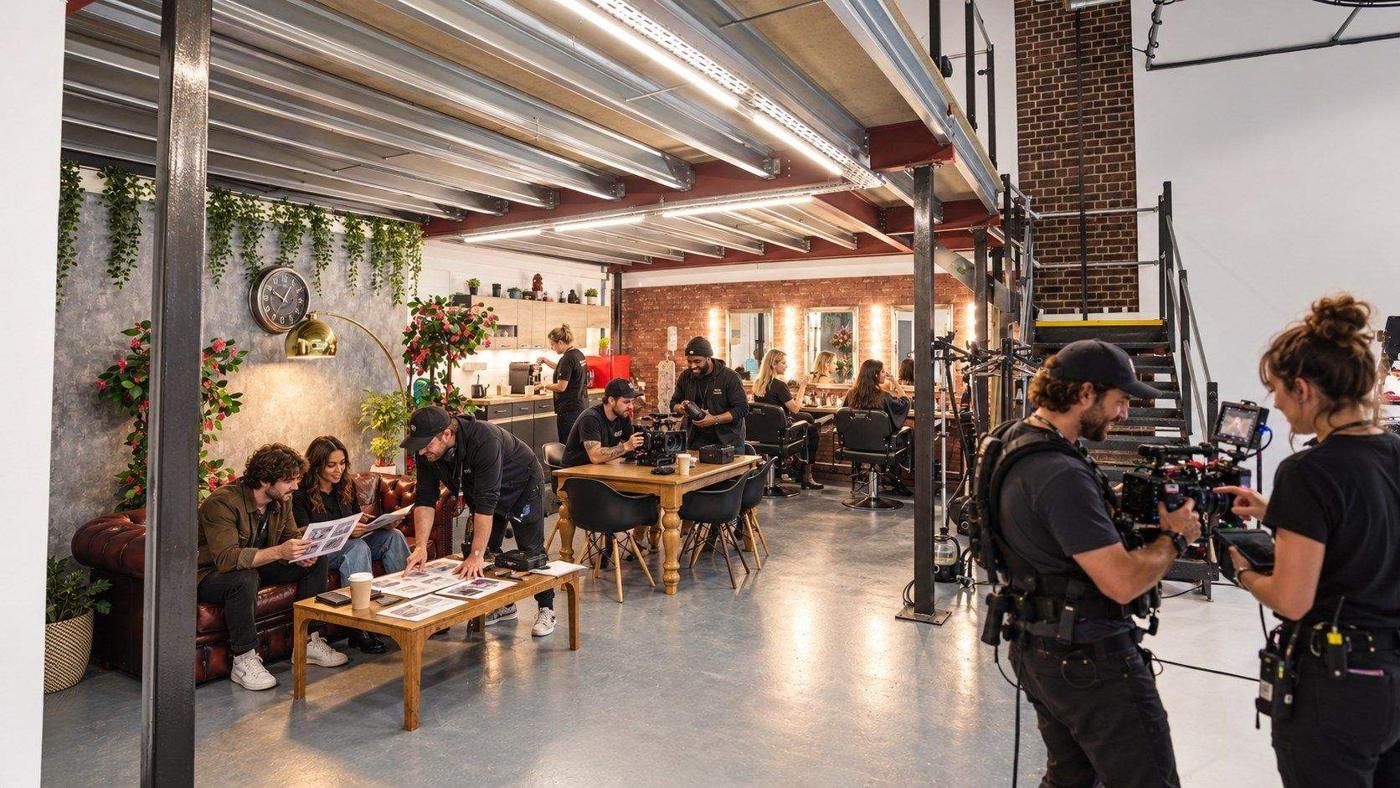
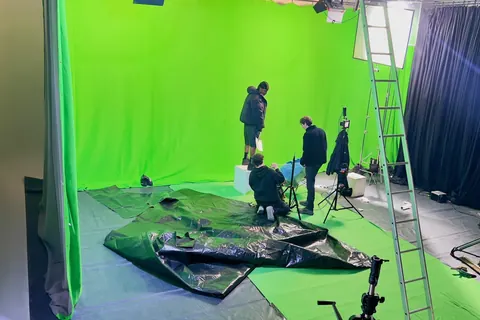
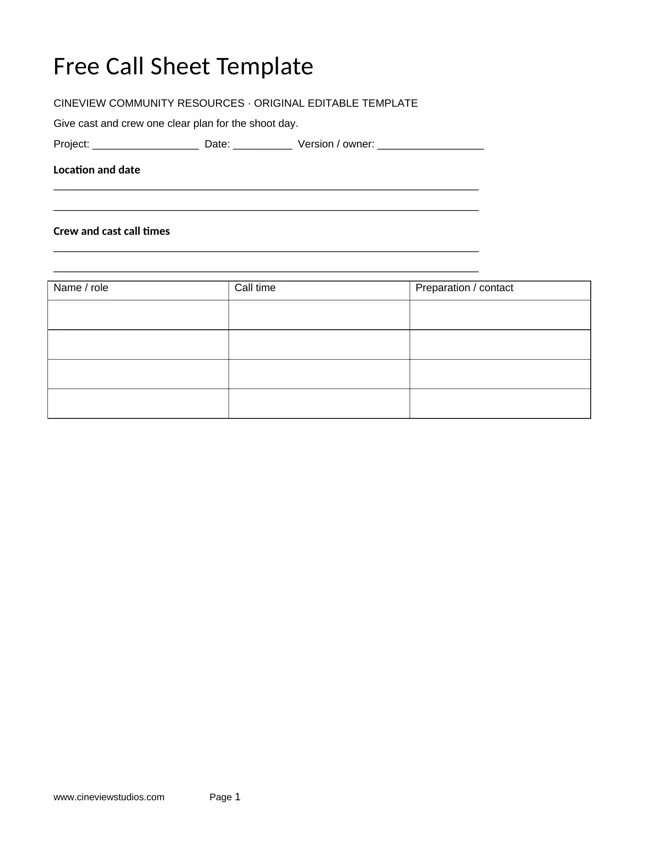
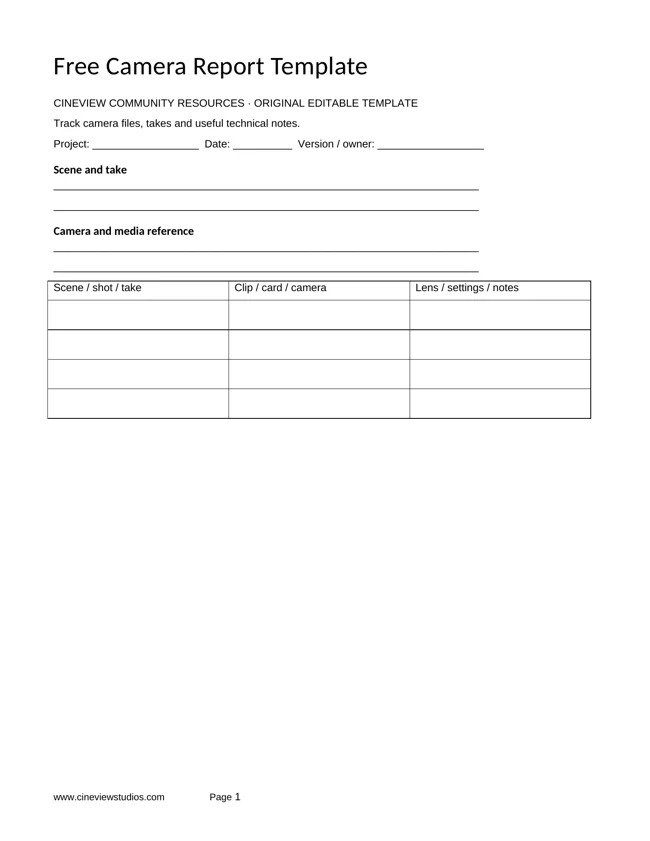
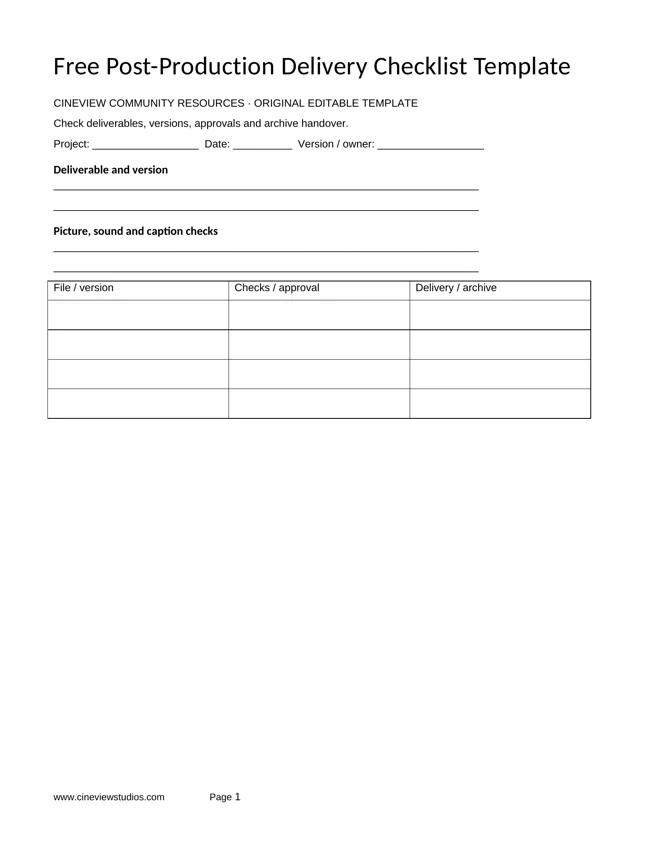
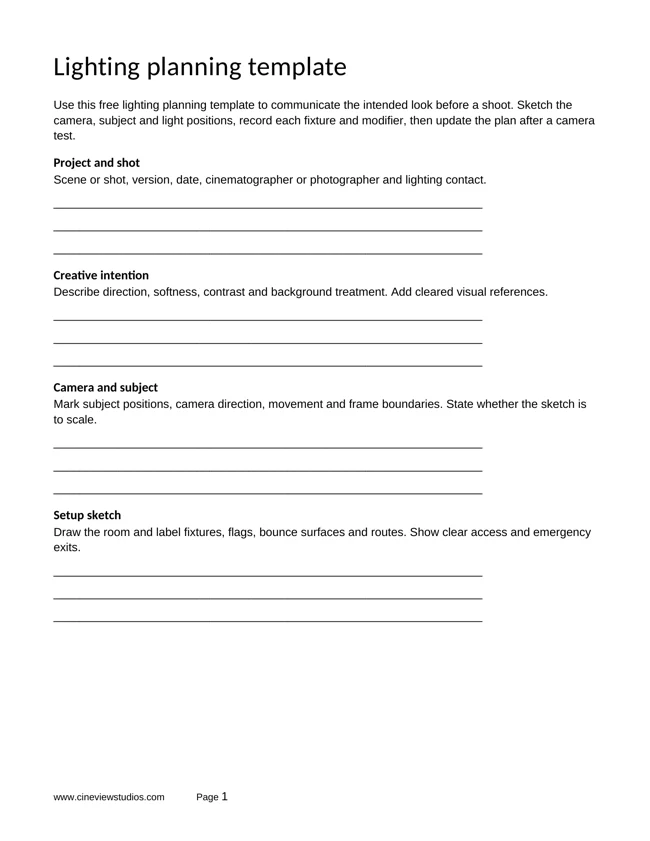
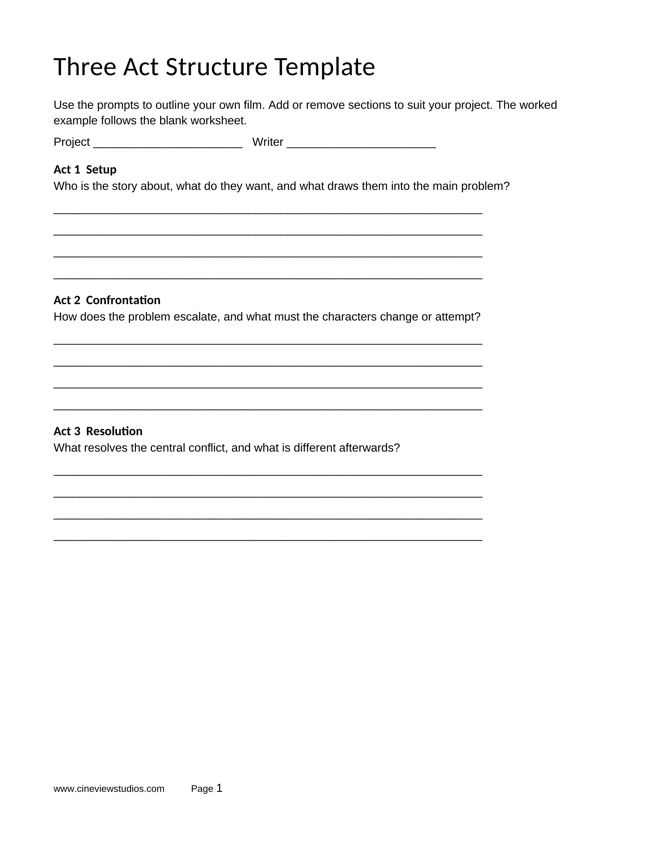
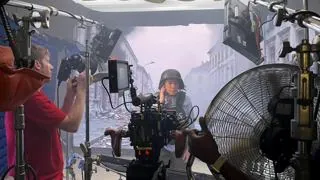
Use preparation time to agree the test shots and the details that must survive in the finished image. This illustration shows a planning workflow, not a technical exposure comparison.
Could movement or a lighting change ruin an exposure that looked correct?
A performer who steps closer to a light may become much brighter. A bottle can turn and reflect a lamp straight into the lens. Test the full action, not only the starting pose.
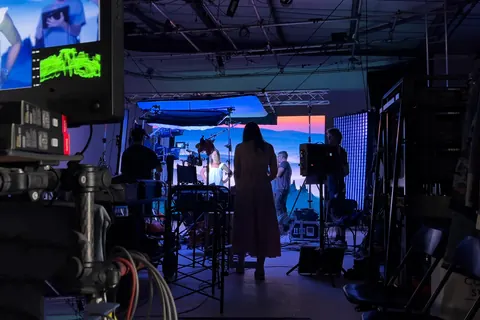
For film studio hire, record a rehearsal with the planned movement and review the brightest moment. Include lighting cues, dimmer changes and product rotations. Your film studio hire London enquiry should describe these changes so setup and test time can be included in the schedule.
If you change frame rate, shutter, aperture, filters or recording profile, check exposure again. A log profile can preserve useful tonal information when used correctly, but it cannot guarantee recovery of detail that was never recorded. Make sure the monitoring view and recording settings are understood by the person checking the image.
Could fixing the highlights make the rest of the image too dark?
Simply lowering exposure may protect a bright label while leaving a face or darker product surface hard to see. Before accepting that compromise, adjust the lighting balance. Reduce the strongest source or reflection, then add controlled fill where detail is needed.
For still photographs, RAW capture can give more editing flexibility than a processed JPEG, but recovery has limits. For video, test a short clip through the planned editing and colour workflow. Check an exported sample rather than assuming the camera preview will match the final result.
Review Cineview’s lighting and equipment catalogue. Confirm the lights, modifiers and monitoring tools you need, including availability, compatibility and hire costs. Bring your own kit or agree a suitable package in advance.
Could skipping a test turn a cheaper booking into a reshoot?
If you are comparing photography studio hire London options, include setup, exposure tests, shooting and pack-down in the hours you request. Cheap studio hire is only good value if the final images show the details your client needs.
Searches such as “photo studio near me” and “photography studio near me” can help you start a shortlist. Before you hire photo studio space, also check whether there is enough time and working room for your lighting tests. Share the brightest products, white outfits and moving shots in your brief.
Use Cineview’s studio quote guide to plan your studio hire London budget. The written quote should confirm your hours, setup, equipment and support. Full payment is required to secure the agreed booking.
The solution: protect the important bright detail before the main shoot
- Identify the fabric, skin and product details that must stay visible.
- Record a test using the actual camera settings and lighting.
- Check exposure tools and a larger preview, not screen brightness alone.
- Control background spill and strong reflections separately from the subject.
- Rehearse movement and recheck after lighting or camera changes.
- Approve an edited sample before repeating the setup across the whole shoot.
Send Cineview your brief and preferred date. Include your product or wardrobe references, planned movement and equipment needs so the booking allows time to test the details that matter.