








CINEVIEW JOURNAL
Why Does the Green Screen Look Fine Until the Actor Moves?
28/11/2026
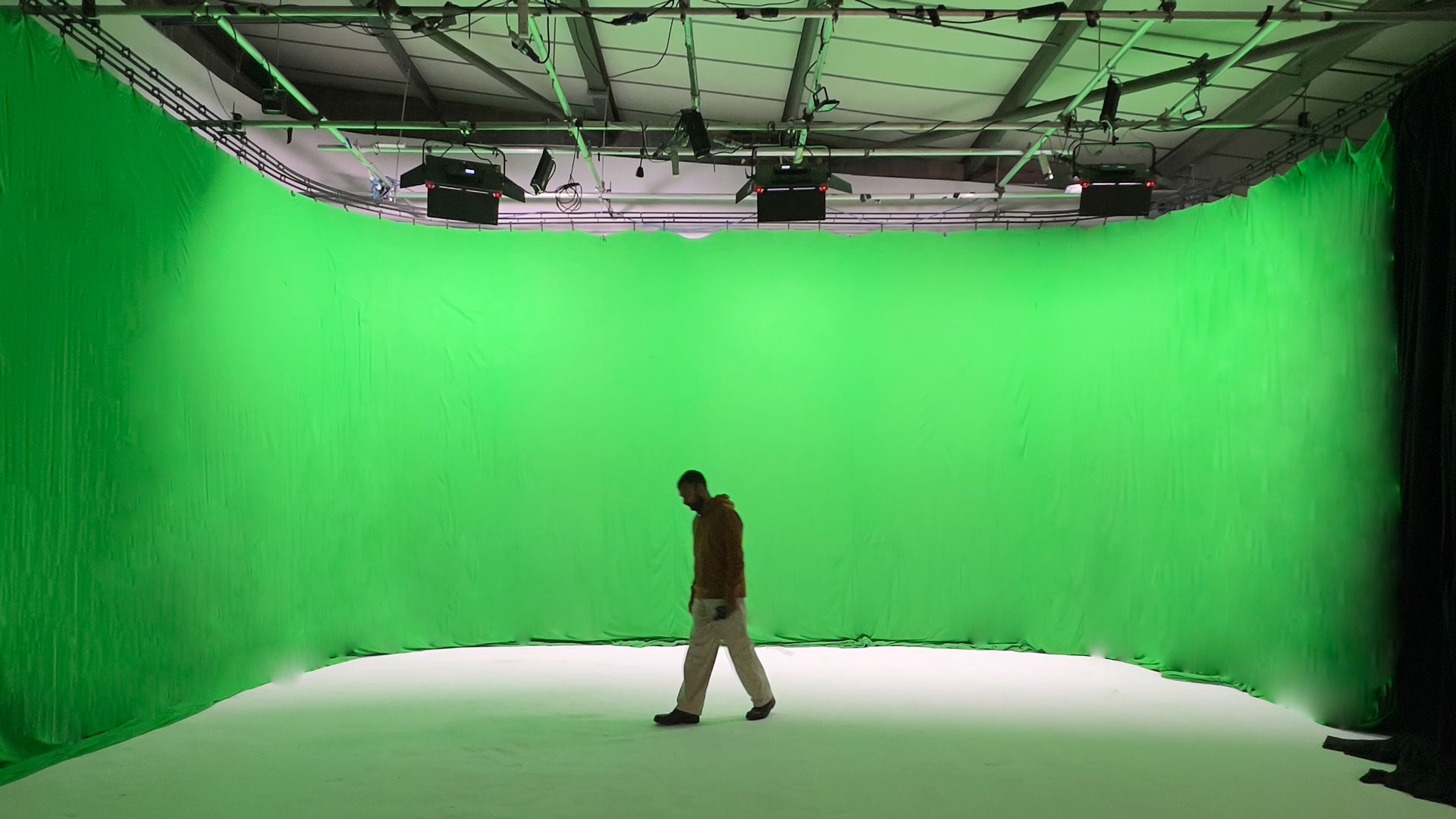
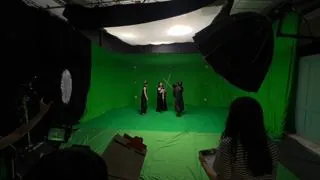
If your green screen looks clean while the actor stands still but leaves a trail around a moving hand, test a shorter shutter time before you film the rest. A fast hand can move far enough during one exposure that the camera records both skin and green in the same pixels. Those blurred edges are harder to separate from the background. You want to reduce that mix without making the performance look too sharp or jerky.
Test the fastest movement in the shot
Pick the action most likely to cause trouble: a hand sweeping across the frame, a turn with loose hair, or a dancer flicking a jacket sleeve. Rehearse at the actual performance speed. Use the lens, framing and frame rate you plan to shoot with. A wide rehearsal clip may not reveal the same edge problems as the close-up you need for the edit.
Record the action twice without moving the camera or changing the lighting arrangement. For example, at 25 frames per second, compare 1/50 second with 1/100 second. Compensate for the one stop of exposure lost with the shorter shutter so you can compare like with like. Do not change frame rate for this test. If you adjust light output, check the new setting for flicker as well.
Judge the key in motion, not just on a still frame
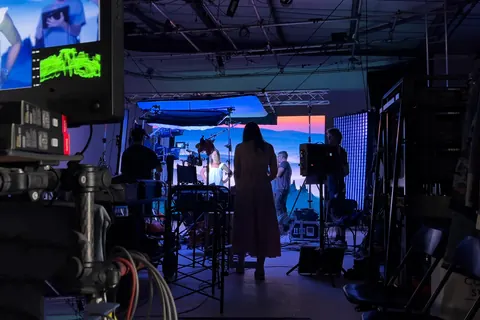
Ask your editor or compositor to pull a quick key from both clips. Look at the matte, the black-and-white view that shows which pixels are kept, removed or partly transparent. Play the two clips at normal speed over the intended background if you have it. If not, use a background of a similar brightness so you can see green fringes, ghosting and holes in thin details. Check the frames where the actor moves fastest.
If an edge looks green even when the performer is still, deal with spill or screen lighting first. If the shorter shutter makes the edge cleaner but the motion looks too abrupt, try an intermediate setting the camera supports. If the movement is flexible, you can also test a slower gesture without changing the rest of the performance. Avoid pulling a harder key just to remove a trail if it also makes fingers, hair or costume edges disappear.
What should you put in the studio brief?
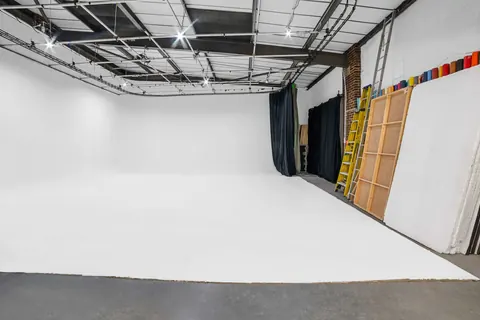
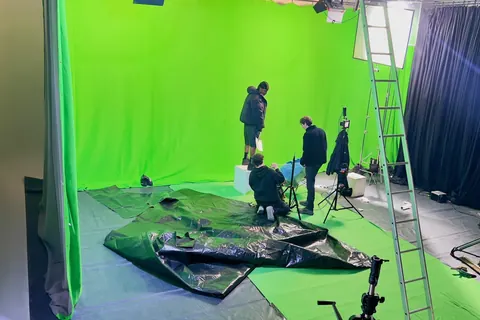
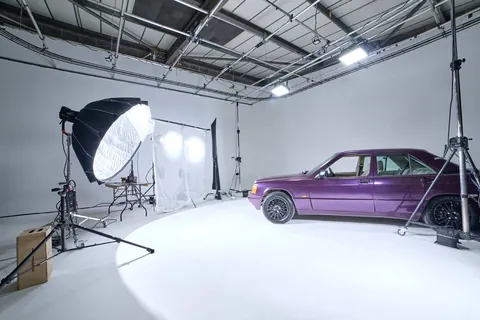
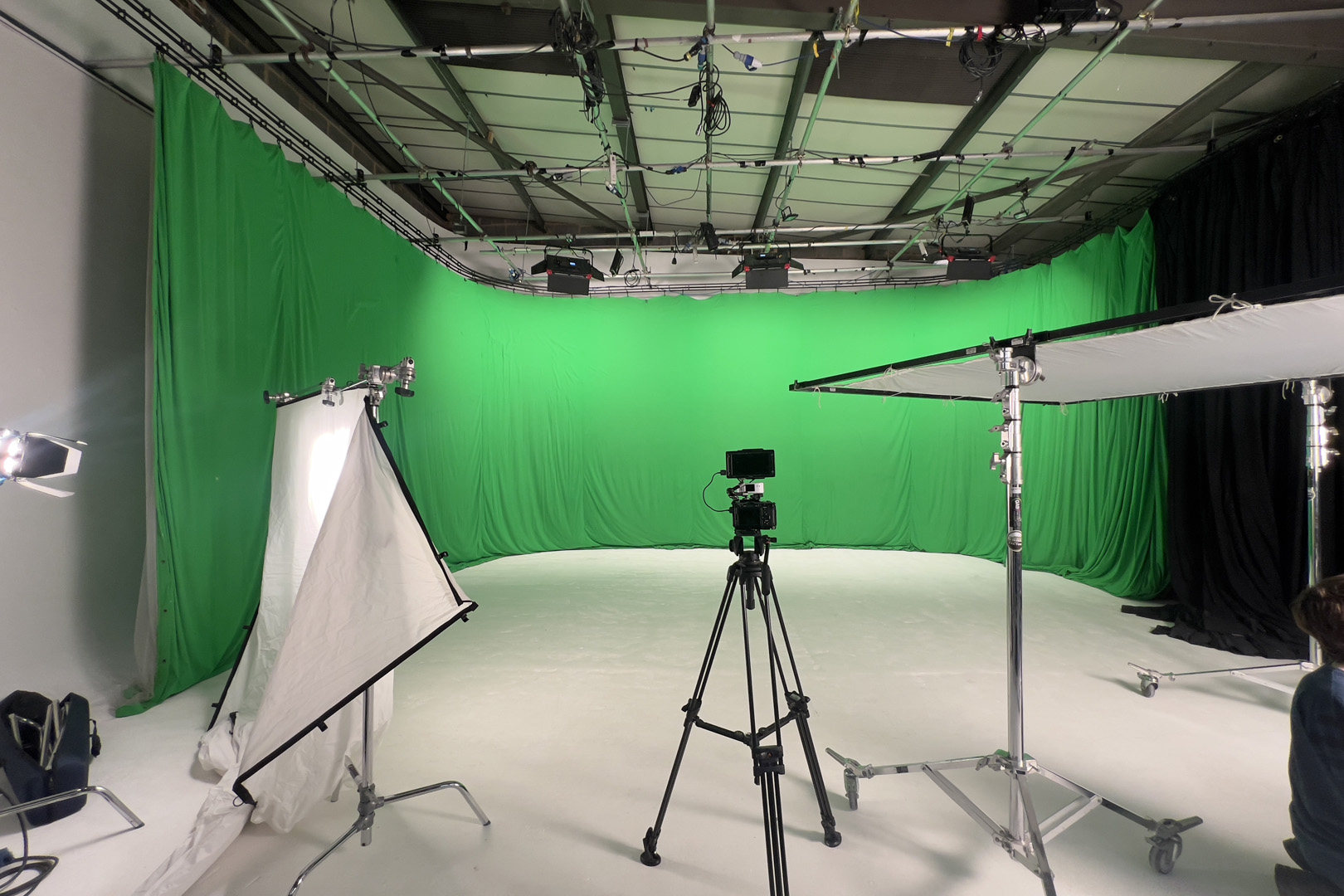
Tell the green screen studio what moves fastest, how tightly you’ll frame it and who will check the test. For film studio hire in London, allow time for that check before you commit to the main takes. If you also need photography studio hire in London for portraits or campaign stills, list those separately. An infinity cove studio can give you a seamless background for stills; an infinity cove shot is not a substitute for a green screen test. Likewise, blackout studio hire makes sense for a separate shot that needs a dark background. A blackout studio on its own does not give a compositor a green background to remove.
Can a quick search tell you where to book?
“Photo studio near me” and “photography studio near me” are useful starting points for local stills. For a moving composite, start with “film studio hire London” rather than a broad “studio hire London” search. If the same brief includes stills, compare “photography studio hire London” listings for the stills setup as well. A photo studio hire listing alone doesn’t guarantee a suitable setup for moving composites. If you’re comparing cheap studio hire, check whether the quote allows time for a motion test. If your brief simply says “hire photo studio”, spell out that you need to film movement against green and have someone check a quick key before the main take.
The solution: approve the moving edge before filming
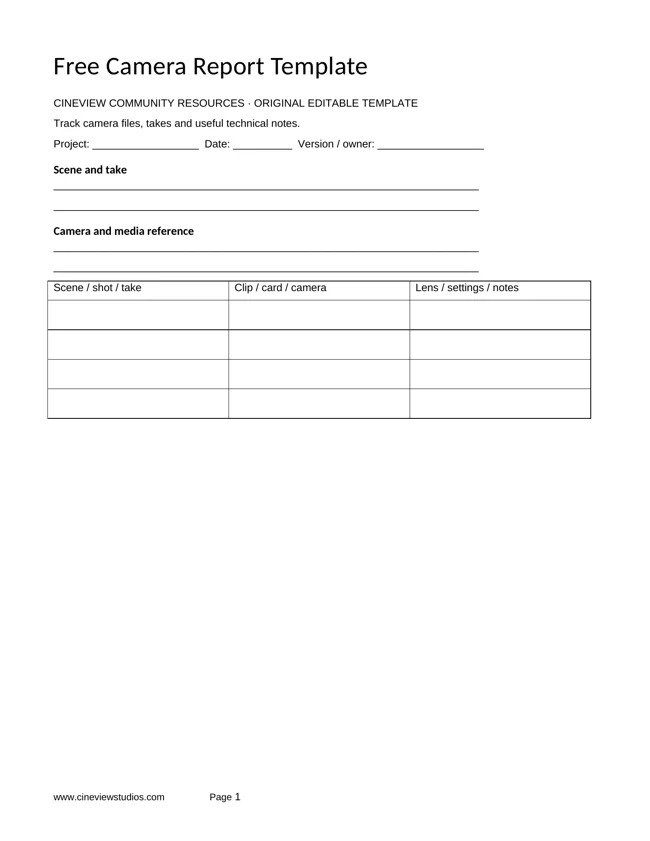
Record the hardest action at two shutter settings. Choose the one that holds a clean edge and still looks right at full speed. Write it on the camera notes and give the compositor both clips so they know what you tested. When you enquire about a Cineview shoot, send the moving shot you’re most concerned about so the test can be planned around it.