

CINEVIEW JOURNAL
Can You Shoot Flash Stills While a Video Camera Is Rolling?
28/11/2026
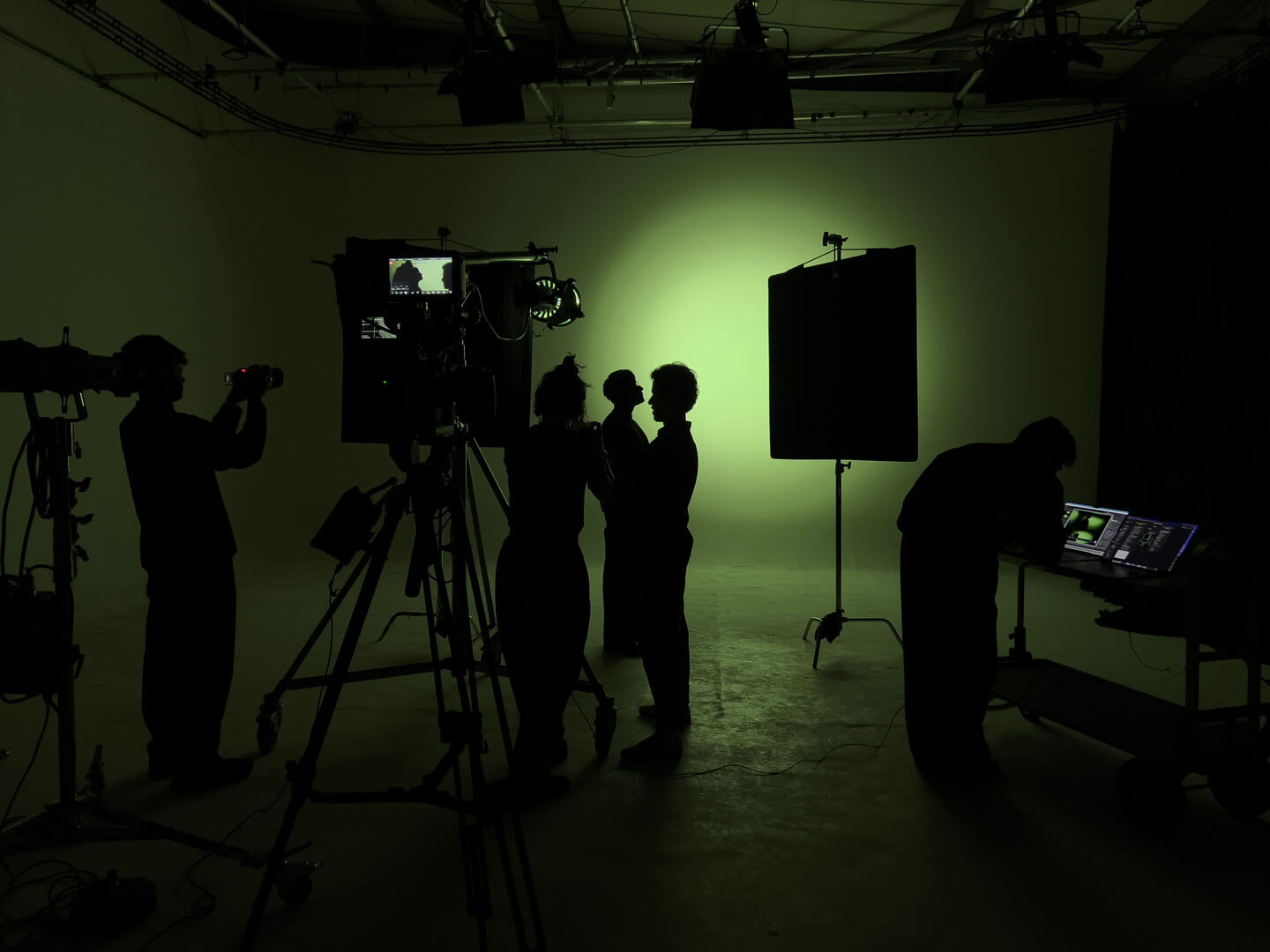
You can shoot flash stills while a video camera is rolling, but if both cameras share the same set, the flash can spoil the video. A short burst may show up as a bright frame or a horizontal band, even when the light is pointed away from the video camera. If you need clean footage, use continuous lighting for both cameras or give flash and video separate shooting blocks.
Why does a flash show up in the video?
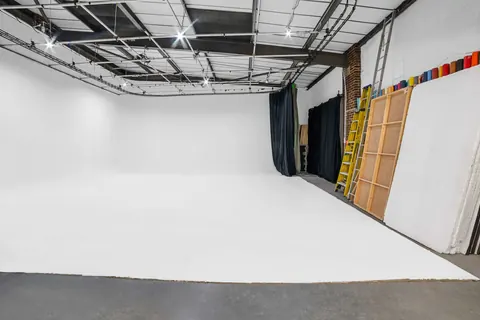
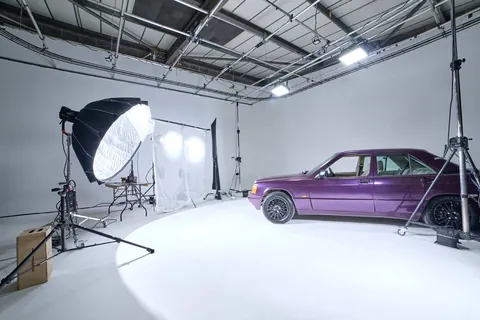
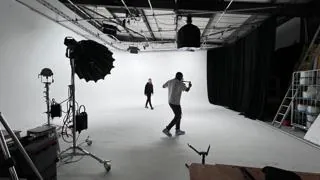
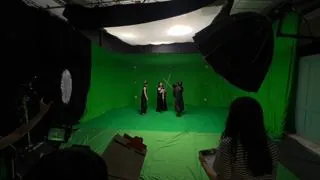
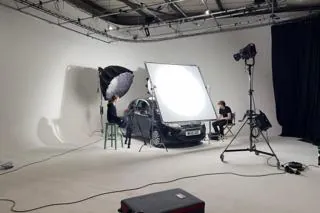
Many video cameras read the picture one row at a time. A flash can fire while only some rows are being exposed, leaving a bright strip across that frame. Even if you flag the flash so it cannot shine into the lens, light reflected from the subject, floor or walls can still reach the video shot. A white infinity cove studio can make that spill easier to see.
The stills camera can sync with the flash while the video camera picks it up at an unpredictable point. A good-looking still or a clean frame on the live monitor is not proof that the whole recorded take is clean. Panasonic’s camera manual describes this effect as flash banding.
Use continuous light when both cameras need the same moment
Say a performer is making a jump and you need clean motion footage and a sharp campaign still from the same pass. Start with a continuous key light both cameras can use. Record a real move with the video camera at the delivery frame rate and shutter setting, then check the still at the shutter speed you need to freeze the action. If the still is too dark, test whether you can increase light output, open the aperture or raise ISO without losing the look you want. Review the video for flicker at the actual dimmer setting. If you need usable sound, listen back for the click of the stills camera.
Give video and flash their own blocks on the same set
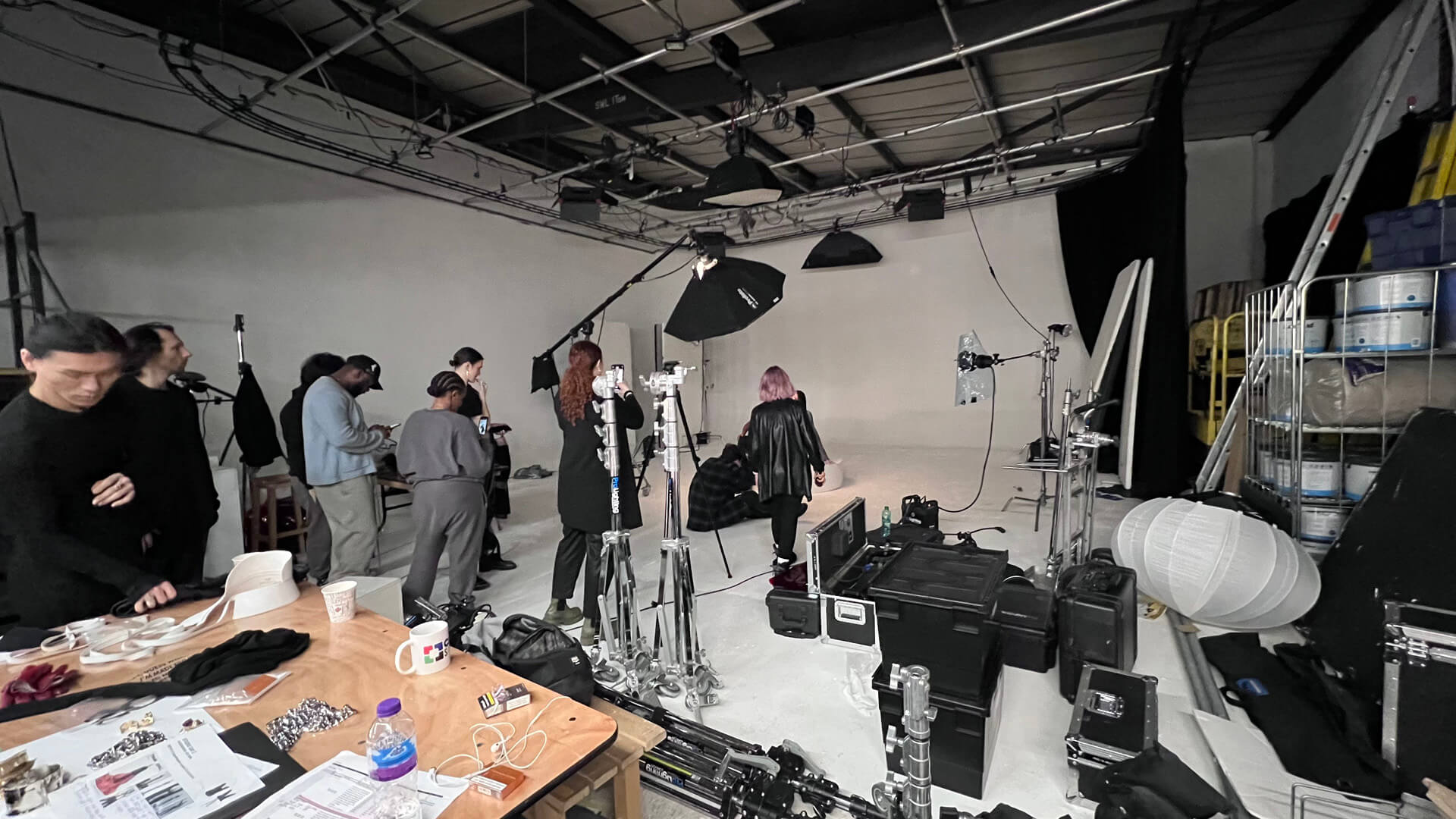
If the stills need a harder flash look, or continuous lighting can’t give you a sharp enough still, split the work. You can use the same space for photography studio hire and film studio hire without running both lighting plans at once.
- Roll video first. Have the person calling the floor say “video rolling, no flash”. Keep flash triggers off until camera and sound have both cut.
- Mark what stays. Tape the talent and product marks. Photograph the light positions and note camera height so neither team has to rebuild the look from memory.
- Call the handover. Use “clear for flash” once the video team has finished, including any extra seconds it needs at the end of the take. Switch the triggers off again before the next video block.
A blackout studio helps control daylight. Blackout studio hire doesn’t automatically stop a flash reaching your camera from elsewhere on the same floor. If two crews plan to work in different areas, test with the divider closed, fire several flashes at working power and review the recorded file. If you can still see the flash, keep separate blocks.
What should I check before booking?
Whether you’re comparing cheap studio hire or searching for “photo studio near me” or “photography studio near me”, ask about changeover time as well as the room rate. Compare quotes from searches like “photography studio hire London”, “film studio hire London” or “studio hire London” on the same basis: which continuous fixtures and modifiers cost extra, and how much time is allowed for a test, lighting changes and pack-down?
If you plan to hire photo studio space for a shared campaign, tell the studio whether both teams need to capture the same performance, whether the video needs clean sound and whether a single infinity cove is enough. Put those details in your photo studio hire enquiry so the studio can help plan the switch.
The fix: test both cameras before the first real take
Put the performer or product on its final mark and shoot one short test. Review the recorded clip frame by frame for bands, listen to the audio and zoom in on the still for sharpness. If continuous light passes all three checks, shoot together. If it doesn’t, schedule separate flash and video blocks. Check the Cineview equipment list and share your shot list and timing with the studio so there is time for the test and changeover.