

CINEVIEW JOURNAL
Will Your Widest Shot Fit on a Green Screen?
21/11/2026
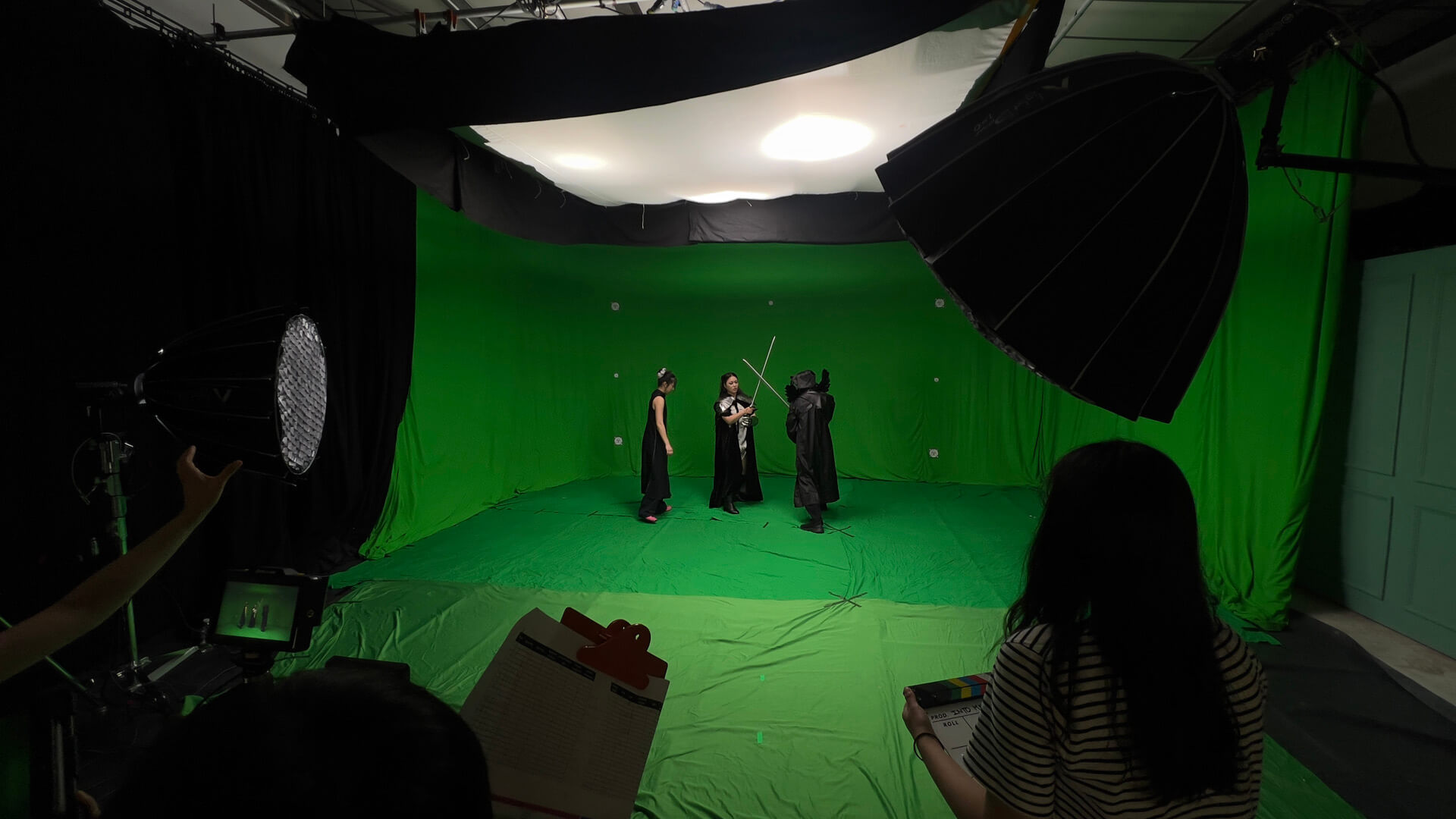
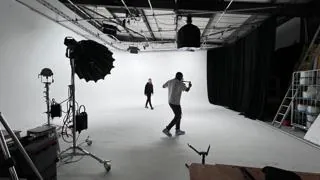
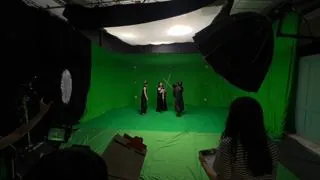
A green screen can fill the monitor at the start of a take and still be too small by the end. A dancer reaches sideways, a camera pulls back, or a low angle reveals the edge of the backing. The question is not simply how wide the screen is. It is whether the green covers everything it needs to cover throughout the shot.
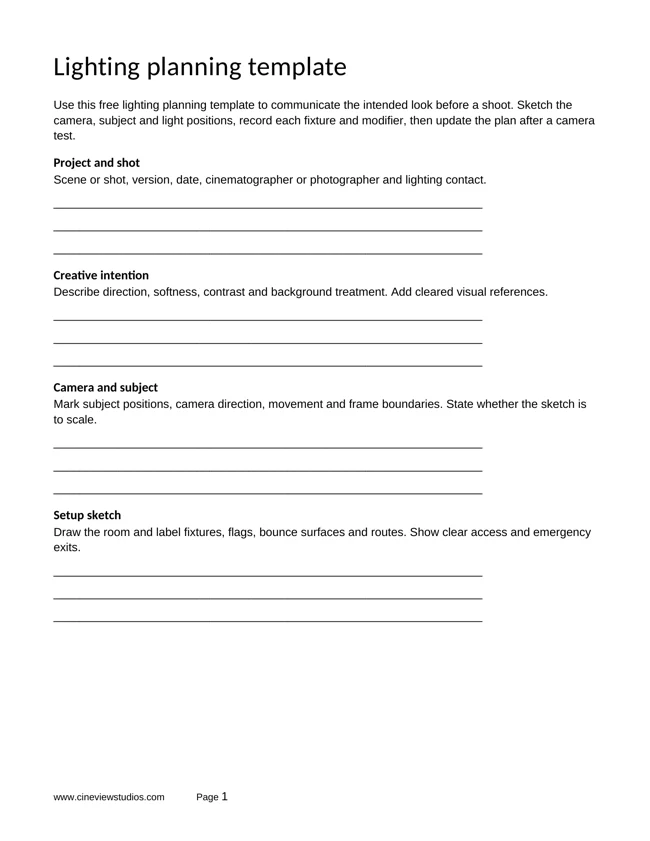
Before booking film studio hire, mark out the widest frame, the full movement and the space needed for the camera and lights. Check the planned setup with the studio and the person who will replace the background in post-production.
Start with the shot that uses the most space
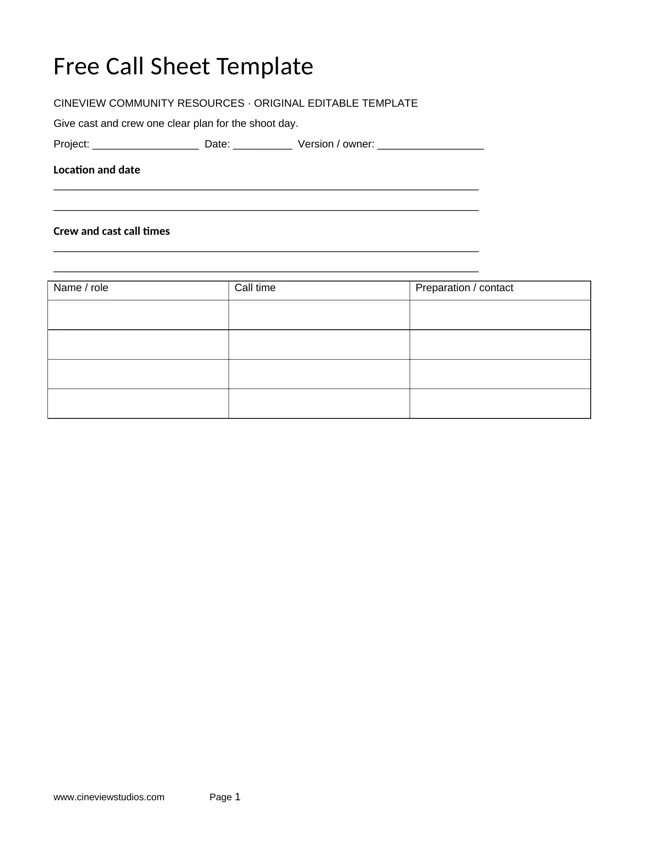
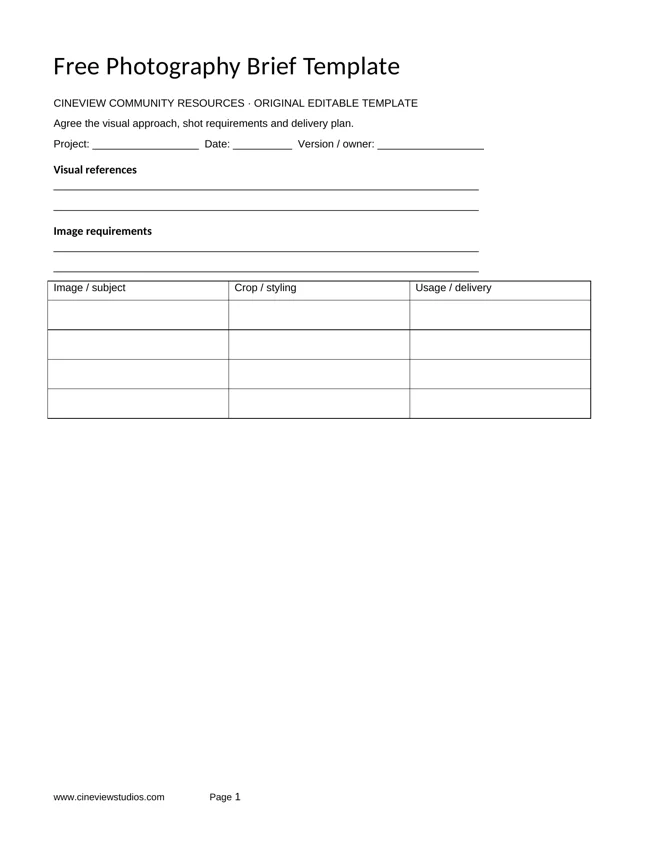
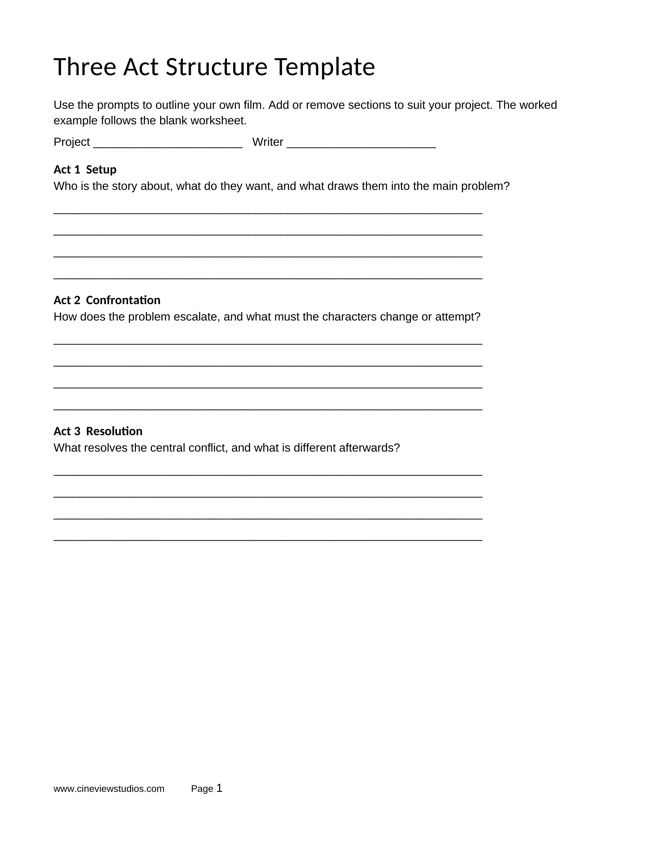
Send the studio a reference for the widest shot and a sketch showing where the performers and camera will start and finish. Note any reach, jump, turn or prop movement that takes the subject beyond their starting position. Include both cameras if you’re cutting between a front view and an angled view. Add the intended delivery crops so the crew knows what needs to stay in frame.
The frame and the subject can reach their extremes at different moments. For example, a wide camera move may pass the edge of the screen while the performer is still near centre. A tighter shot may keep the screen edge outside the frame but cut off an outstretched arm. Check these as separate problems.
Check the backing behind the action, not just in the middle
Look through the planned lens from the actual camera positions. Check behind the head, hands, props and feet at the start, at the furthest points and at the end. A camera tilted up can reveal the top of the screen; an angled view may reach past the side. Watch a recording of the complete rehearsal too: start and end frames can miss a problem halfway through the move.
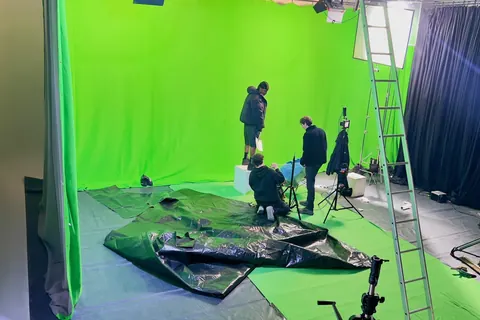
If the shot shows feet, decide how they should meet the finished background. Ask whether the studio can provide the floor coverage the shot needs and how the performer, shoes or props can be used on it. A green wall alone does not make the floor disappear. Agree whose job it is to preserve or recreate the shadows where the performer meets the floor if they matter to the result.
Ask which screen edges can be masked in the edit
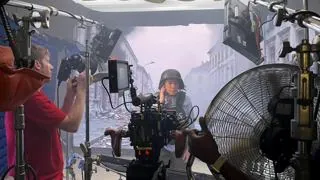
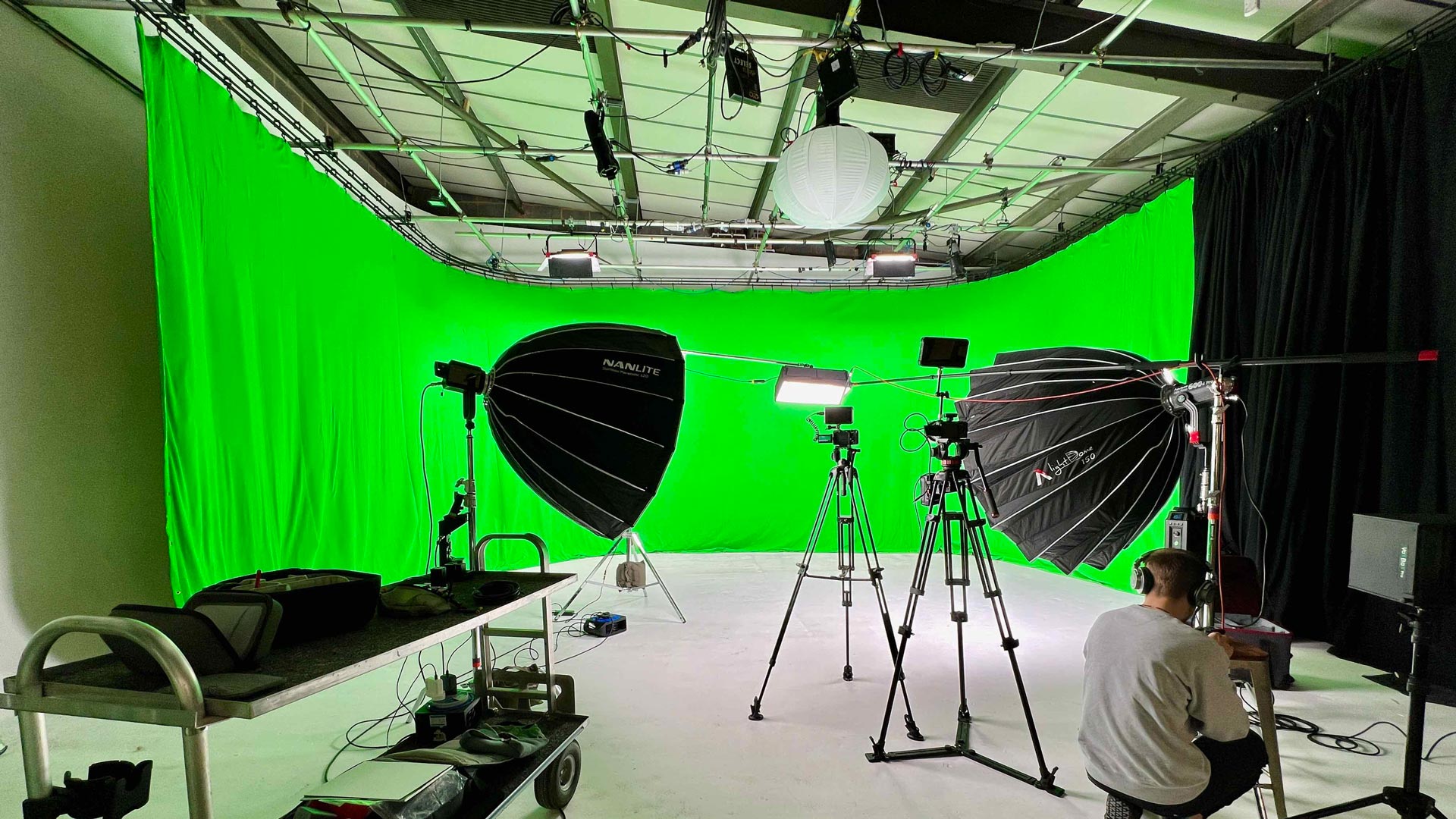
The entire frame does not necessarily have to be green. Adobe’s keying guide explains how a rough mask, called a garbage matte, can remove unwanted areas away from the subject. A stand at the far edge of the recorded frame may be manageable if it never crosses anything the editor needs to keep.
If a performer or their prop crosses the boundary of the green, the editor may have to separate part of the subject manually. Fine detail or blurred edges can make that more involved. Ask the editor to review the difficult moment rather than assuming the screen edge can always be removed. Masking cannot recover a hand or prop cut off by the camera frame.
Leave enough space in front of the screen
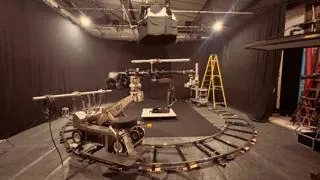
Measure the space the setup needs as well as the backing it needs. Moving the performer away from the screen may help the lighting team control green reflected onto them, but it changes where the subject sits in the frame and can leave less room for the camera. Include the camera’s travel, lighting positions and clear working routes in the sketch.
Ask the green screen studio to confirm the configuration for the shot, including any suitable floor treatment and what needs separate preparation. If space is tight, decide whether to shorten the movement, change the angle, break the shot into parts or arrange a wider backing. Agree which change preserves what matters about the shot.
Send the right brief when comparing studios
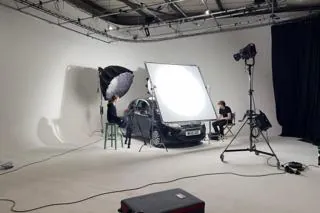
For film studio hire London enquiries, include the widest view and a simple movement plan rather than only asking for a green background. For photography studio hire, a still frame may be easier to check, but different crops can change which edges the final images show. Use the same setup brief for each photography studio hire London enquiry so the quotes cover the same work.
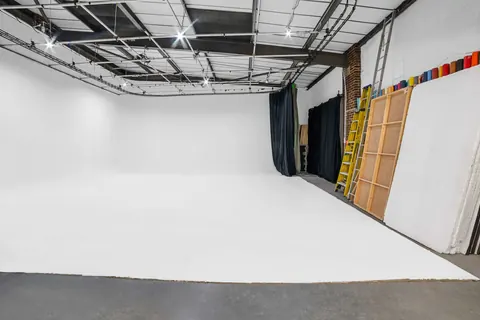
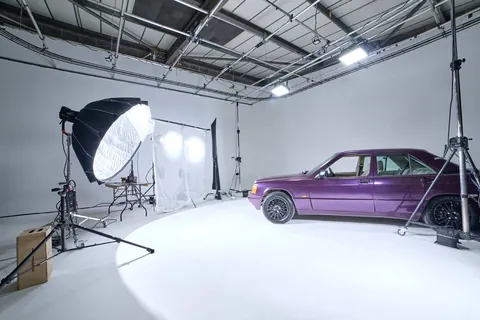
An infinity cove can give you a separate clean-background shot. If you need an infinity cove studio setup during the same booking, ask how the change will work. A blackout studio can help control unwanted light, but blackout studio hire does not tell you the size or coverage of a green backing.
Searches for “photo studio near me” or “photography studio near me” help shortlist locations. Before you hire photo studio space, confirm that the widest angle and working routes fit. Compare any cheap studio hire rate only after allowing for the backing, floor preparation and support in your studio hire London budget.
The solution: check the widest frame through the whole move
Map the frame, rehearse the complete action and have the editor review the moments where coverage is closest. Check the floor as well as the wall. If anything important crosses an edge, change the plan before filming. Send Cineview your widest shot, movement sketch and preferred dates so the team can discuss the setup for your film or photo studio hire.