Cineview community resources · Free download
Free Model Release Template
Use this free model release template to record the agreed photography and filming permissions for a model aged 18 or over, with a defined use and privacy section. Download the printable PDF or edit the Word file to suit your project.
General starting form, not solicitor-reviewed. Adapt it with qualified legal advice before use. It does not guarantee compliance or enforceability.
No sign-up required. Open the .docx file in Microsoft Word or Apple Pages. A native .pages file is not included.
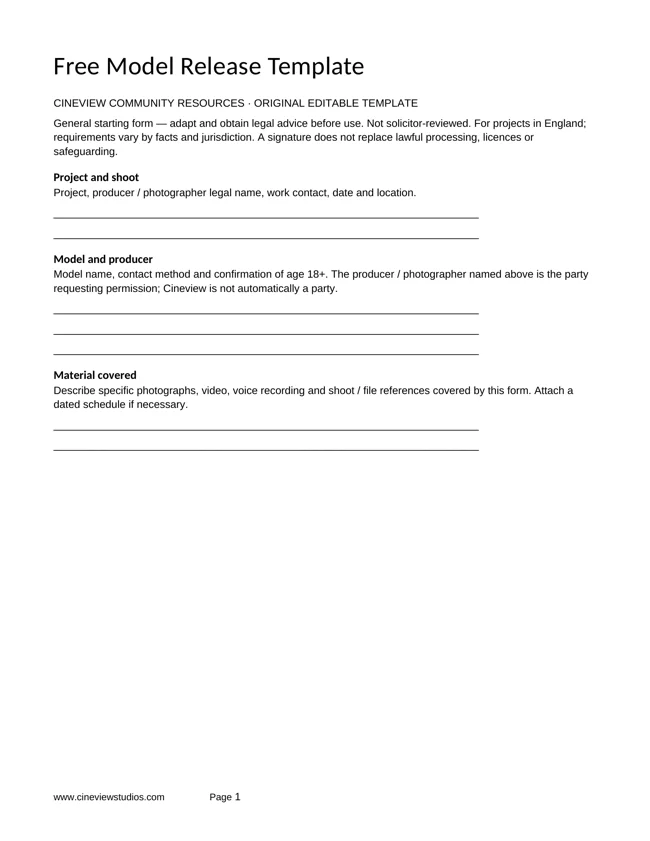
Preview your free document
What is in the free model release template?
The download brings these sections together in one editable document. Fill the project details, keep a dated version and give each section a clear owner.
- Named parties and shoot
- Approved uses and exclusions
- Payment and privacy information
- Signatures and change requests
The form defines named parties, material covered, a specific use, permitted channels, territory, period, editing limits, payment arrangements, privacy information and signatures. Blank fields do not create unlimited permission. AI training, cloning, synthetic replacement and unrelated reuse are excluded unless separately expressly agreed.
How to use your free model release template
Step 1
Define the shoot and use
Identify the requesting producer or photographer, the shoot and the material covered. State the named project, publishers, channels, territory, time period and exclusions before asking anyone to sign.
Step 2
Explain the agreement and privacy
Supply the relevant privacy notice and identify the lawful basis for processing images. Contractual permission and data-protection consent are separate questions. Where consent is relied on, explain a straightforward withdrawal route.
Step 3
Obtain advice and keep the agreed version
Have wording checked for the intended use and jurisdiction. Explain changes, provide each party with a copy and store completed forms securely. This form does not transfer copyright or waive statutory rights.
Who is this form for?
This model release is intended as a starting form for a model aged 18 or over. For a younger participant, use the separate free child model release template and review the licensing and safeguarding requirements.
Specify commercial uses precisely. A broad phrase such as “marketing” does not explain which organisation, channels or period are intended. Discuss agency requirements, advertising approvals, image manipulation and any proposed onward use before agreement.
Permission and data protection
Decide the appropriate lawful basis for the project and supply privacy information. If relying on consent, it must be freely given, specific, informed and unambiguous. Explain withdrawal and how future use and material already distributed will be handled; do not promise every published copy can be recalled.
Read the ICO’s guidance on valid consent. Source guidance checked 5 October 2026. The download is original Cineview wording and is not endorsed by the ICO, NSPCC or government.
Questions before downloading
Is this legally reviewed?
No. It is a general educational starting form, not solicitor-reviewed legal advice. Obtain tailored legal advice before using it for a real agreement.
Does a release cover every use?
No. The form limits permission to the completed scope. Expanded uses need a separate agreement, and data-protection and other legal requirements still apply.
Is this template free?
Yes. Download the original PDF and Word files without creating an account. You may adapt them for your production; keep our website credit when sharing the unchanged template.
Can I use it in Apple Pages?
Yes. Open the downloaded .docx file in Apple Pages. The supplied file is a Word document rather than a native .pages file.
More free resources for your production
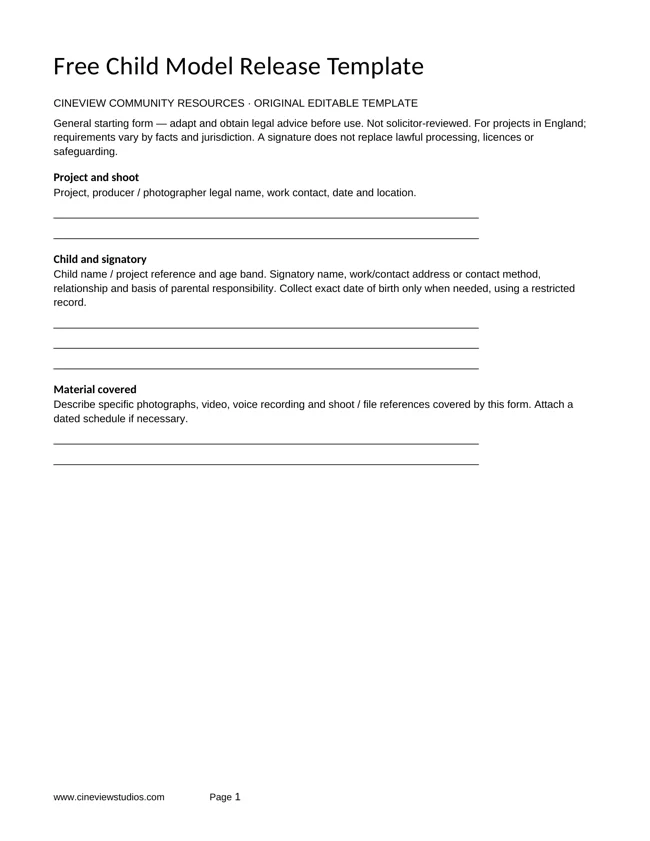
Releases · Free PDF and Word
Free Child Model Release Template
Record specific photography and filming permissions for a child, parental responsibility, the child’s agreement and safeguarding contacts.
Get the free template ↗Bring your production to Cineview Studios
Explore film studio hire and photography studio hire. Compare the equipment list and discuss the space, dates and setup you need. You may bring your own equipment; the studio team can also discuss in-house equipment hire.
Send this free resource to a colleague, your production team or a WhatsApp group.
Use and attribution
You may adapt our original worksheets for your own production planning. Keep the website credit when sharing an unchanged template. These educational resources are not legal, financial or safety advice. Film titles, story frameworks and third-party videos belong to their respective rights holders. Cineview Studios is not affiliated with those publishers, and inclusion does not imply endorsement.
References are provided so you can compare approaches and form your own view. Check the rights to any photographs, scripts, music or other material you put in a production. Protect personal information when sharing crew and cast documents.