
CINEVIEW JOURNAL
Could Camera Overheating Interrupt Your Studio Video Shoot?
12/11/2026
Your presenter is halfway through a good take when the camera shows a temperature warning. Restarting straight away may not solve the problem. For a long interview or product demonstration, heat management needs to be part of the plan before your film studio hire begins.
At Cineview Studios, the useful question is not just which background you want. It is also how long your camera needs to record without a break. This guide helps you plan that part of the shoot without assuming any camera can record for unlimited time.
Could a short camera test hide a long-take problem?
A one-minute test tells you little about a forty-minute interview. Before the booking, test your own camera for the length of your longest planned take, with extra time for rehearsal and retakes. Use the intended resolution, frame rate, recording format, screen position and power setup. Follow the camera maker’s instructions and stop if a warning appears.
Write down the test conditions, settings and any warning. A test in a cool room does not guarantee the same result on a busy set. Repeat a practical check after setting up in the studio, allowing for the time the camera has already spent switched on.
- Check the manual for temperature limits and recording restrictions for your exact model.
- Test the memory card and power supply you will actually use.
- Keep a record of the longest successful take, rather than guessing from battery life.
- If recording stops, read the message. A full card, recording limit or power fault is not automatically an overheating problem.
Could the camera rig block its cooling?
Look at the complete rig, not just the camera body. Keep vents and fan openings clear. Check that a cover, cable bundle or accessory does not obstruct them. Use screen positions and accessories only as the manufacturer permits; moving a screen is not a universal fix.
Keep the camera away from unnecessary heat sources and avoid leaving it running through every lighting adjustment. Do not use ice, wet cloths or improvised cooling against the body. Follow the manufacturer’s shutdown and cooling guidance rather than repeatedly forcing a hot camera to restart.
Could a cooling fan spoil the sound?
A camera’s fan settings can affect both cooling and recorded sound. Check the manual before changing them. Test the actual microphone position while the camera is recording, and listen with headphones. Do not disable required cooling simply to make the set quieter.
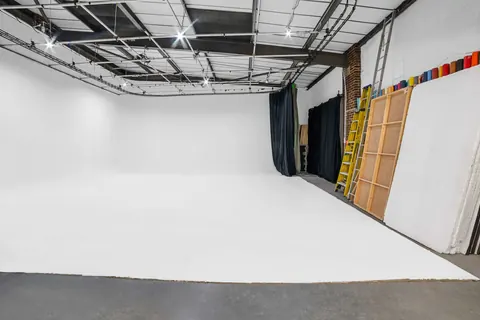
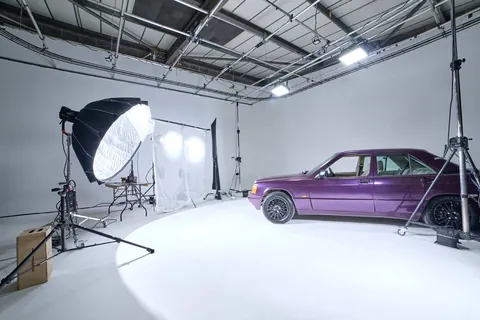
For an interview, discuss ventilation and sound requirements with Cineview before booking. Do not assume that an infinity cove studio or blackout studio guarantees a particular room temperature or silent recording conditions. Choose the infinity cove for the intended visual background, not as a cooling solution.
Could the schedule leave no room to recover?
Split a presentation into shorter sections where the edit allows it. Plan natural pauses for reviewing takes and giving equipment a rest. For an event or performance that cannot pause, use a camera setup proven suitable for the required duration and agree a backup plan. Any second camera, operator or replacement equipment needs arranging; it is not automatically part of the booking.
If you combine photo studio hire with video, include the photography preparation time in the schedule too. A camera left in live view during a long photography studio hire may already be warm when the video section begins.
What should you ask before booking a studio?
Searching for “photo studio near me” or “photography studio near me” helps you find a location. It does not tell you whether your recording setup can handle the day. Cineview is in Greenwich, London: check the address and contact details and send your longest take length with the brief.
For photography studio hire London, explain any video you also need. For film studio hire London, include sound, lighting and break requirements. Compare cheap studio hire by the complete agreed quote and usable shoot time, not the headline rate alone.
A “hire photo studio” search is a starting point. Useful studio hire London enquiries describe the actual production. If you need blackout studio hire, confirm the setup time and your lighting plan separately from the camera’s cooling needs.
The solution: test the full take and plan the pauses
- Test the intended setup. Use the real settings, card, power and expected take length.
- Keep cooling paths clear. Follow the manual for the camera and fitted accessories.
- Check sound as well as picture. Listen for fan noise during a full recording test.
- Allow realistic breaks. Agree shorter sections or a suitable backup for unbroken recordings.
- Stop at a warning. Follow the maker’s cooling procedure and review the saved take before continuing.
Send Cineview your recording plan before booking. A tested camera and a realistic schedule are better protection than hoping a temperature warning will not appear.