





CINEVIEW JOURNAL
Could a Dropped Tether Connection Slow Your Studio Photo Shoot?
15/11/2026
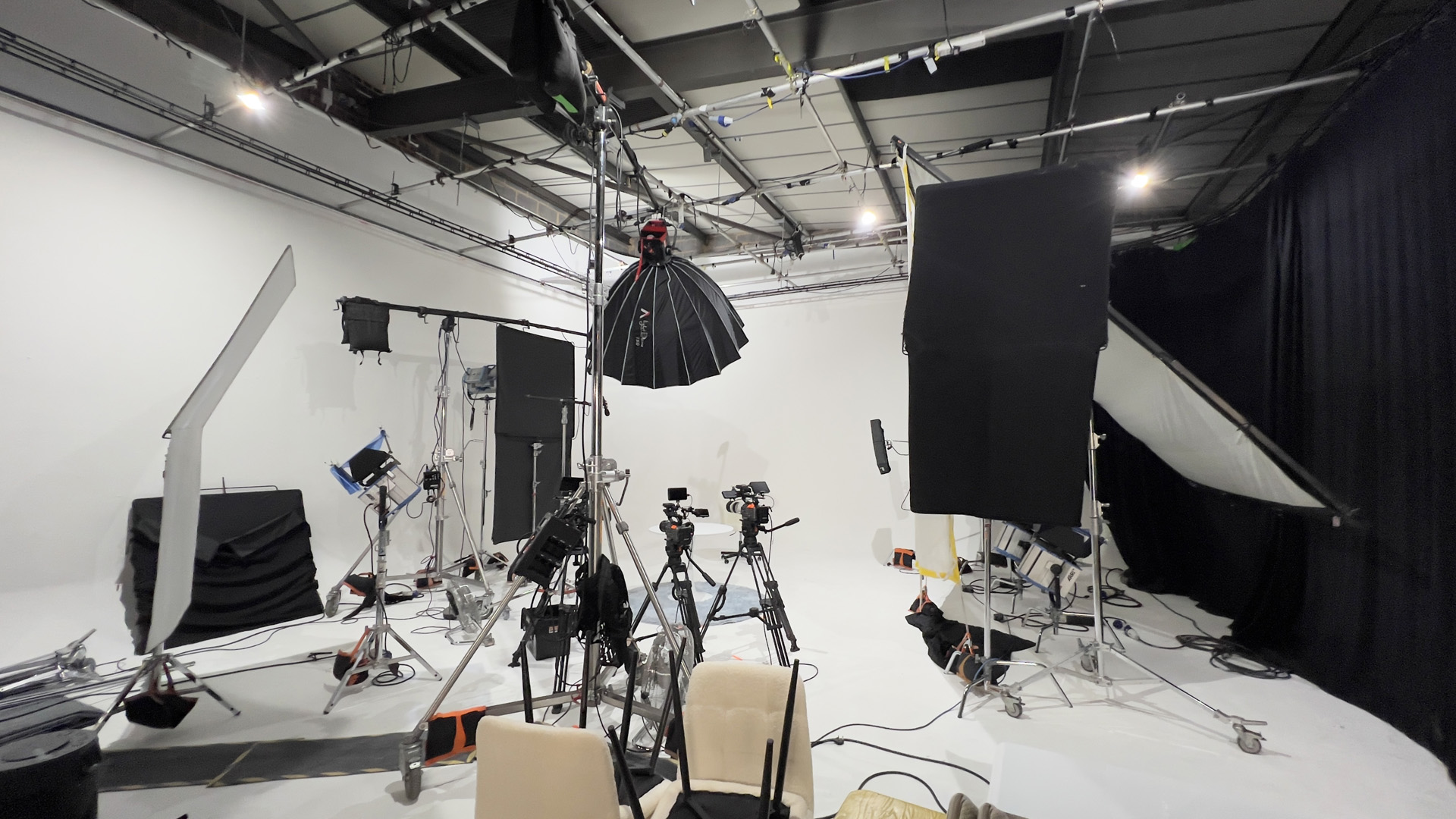
Your camera takes a picture, but the client is still looking at the previous frame. A dropped tether connection can stop a photo studio hire day while everyone waits for the computer. Before your Cineview shoot, test the complete camera-to-computer setup, not just whether the cable fits.
Tethering means sending captured photographs to a computer for review. It can help a team check focus, styling and product detail together. It also adds a connection that needs its own preparation.
Does the cable fit but fail to transfer pictures?
Check the camera, software and cable specifications together. USB-C describes a connector shape, not a guaranteed data speed. A charging cable may not provide the data connection your setup needs. Start with a supported direct connection, rather than a chain of untested hubs and adapters. Tether Tools explains these differences in its guide to USB-C cables for camera tethering.
Pack a tested spare. Label it so it does not get mixed up with phone chargers. Check the camera manufacturer’s instructions for the USB mode and the software maker’s supported-camera list. Avoid changing several settings at once when finding a fault.
Has the setup only been tested with one photograph?
Before shoot day, use the actual camera, computer, cable and capture application. Make a short sequence at your planned pace and confirm each file reaches the intended folder. Then pause, resume and check again. A successful first frame does not prove the setup will suit a busy session.
- Use the file type and image size planned for the job.
- Check that the computer has enough free storage.
- Confirm the preview is the newest frame, not a frozen earlier image.
- Test the camera’s normal working positions without pulling on its socket.
- Keep a note of the working settings and software versions.
Could moving the camera pull the connection loose?
Plan where the computer will sit before placing the camera and lights. Leave enough cable slack for the agreed movement and use suitable strain relief according to its instructions. Do not let the cable support its own weight from a delicate camera port.
Keep walkways clear and agree cable protection with the studio team. Do not stretch a lead across an exit or tape anything to the cove without permission. If the position changes, pause and check the route again rather than asking people to step over it.
Will your chosen background change the working layout?
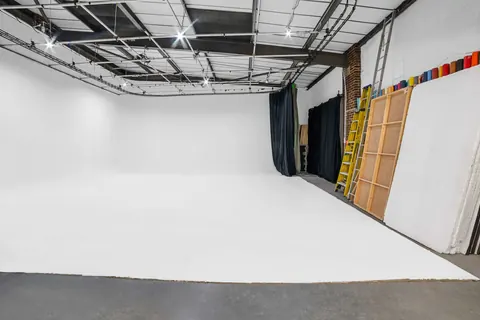
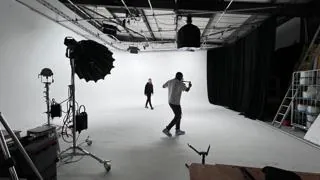
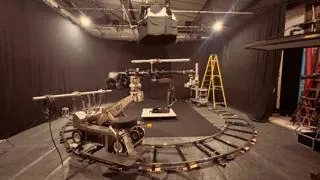
An infinity cove studio may call for wider camera movement. A blackout studio needs particular care with routes that are harder to see. Plan the computer position for the actual infinity cove or blackout studio hire setup, not a desk arrangement that only worked at home.
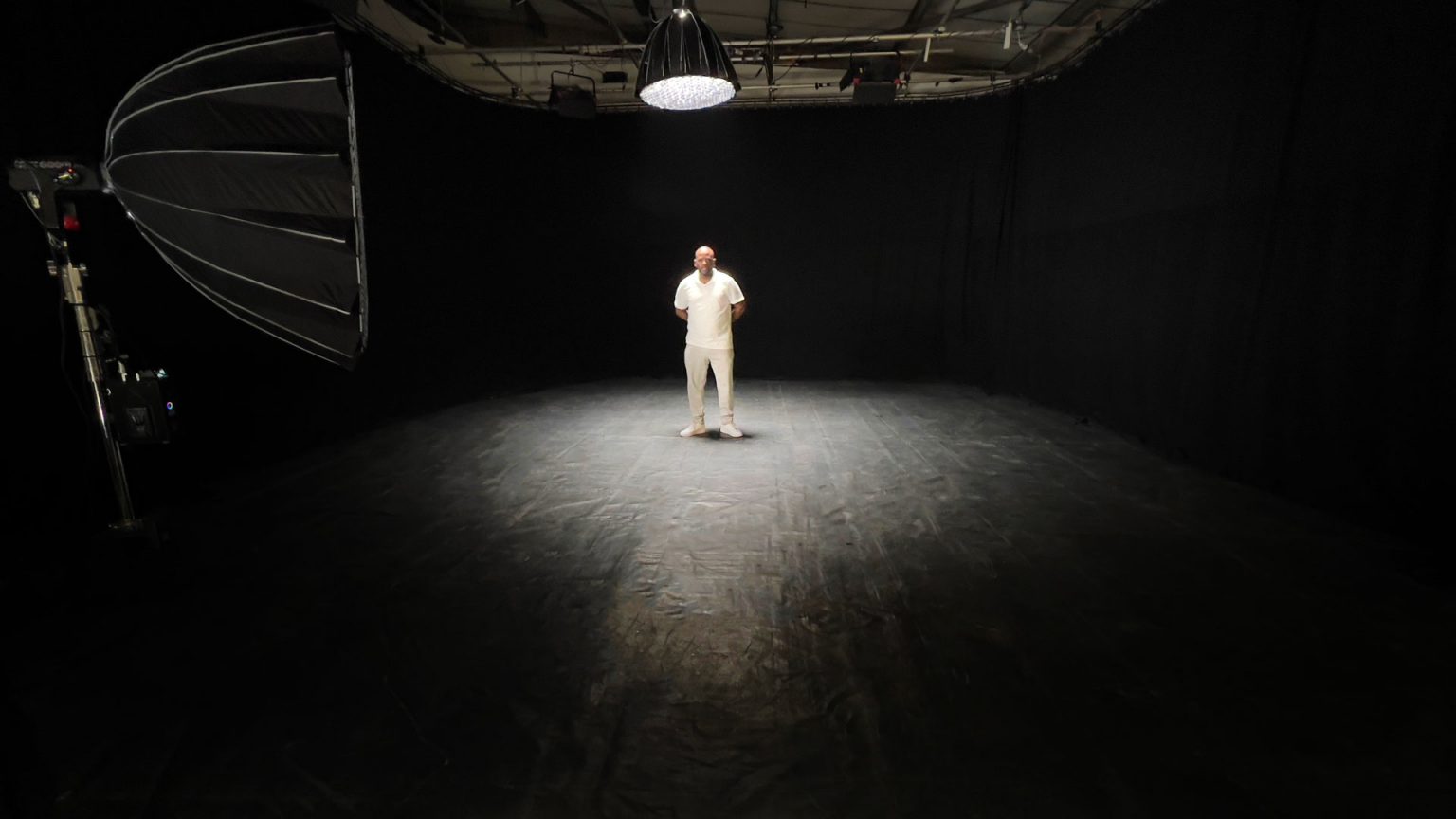
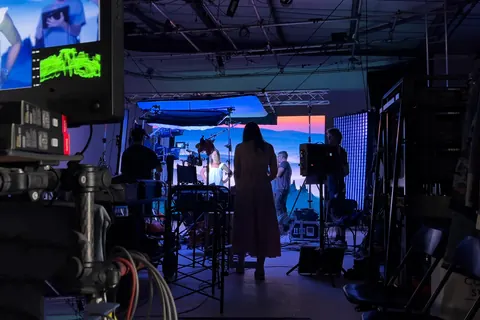
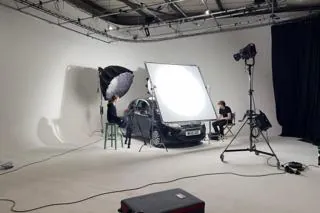
For photography studio hire London, include your review station in the brief. Confirm who supplies the computer, software and cables. Photography studio hire does not automatically include a configured tethering system.
What happens if the connection still stops?
Stop and identify the last confirmed captured file. Check whether the camera is saving to its card, the computer or both; this varies by setup. Do not assume a missing preview means a missing photograph, or that every frame has a second copy.
Agree a fallback before the client arrives. That might be recording to camera cards and reviewing at planned breaks, if your camera and brief allow it. Confirm how the client will approve images and protect the files. Our studio file-handling guide covers the separate backup and handover plan.
Are you comparing the hire price without the workflow?
Searches such as “photo studio near me”, “photography studio near me” and “hire photo studio” can start your shortlist. Cineview is in Greenwich, London. When comparing cheap studio hire, include testing and review time in the full studio hire London budget.
If the day also includes film studio hire, distinguish still-photo tethering from video monitoring and recording. For film studio hire London, explain both workflows so the team can discuss the space and equipment needed.
The solution: test, route and prepare a fallback
- Confirm compatibility. Match the camera, application and data cable.
- Run a realistic test. Check repeated captures and the save location.
- Protect the connection. Allow movement without tension and keep routes clear.
- Agree the fallback. Decide how capture and client review continue if tethering fails.
- Check before packing. Confirm the required files are present and backed up.
Send Cineview your shoot plan and review-station requirements. A tested connection helps you spend your booking making photographs rather than troubleshooting.