
















CINEVIEW JOURNAL
Sigma adds camera-menu ring control to three Canon RF lenses
21/11/2026
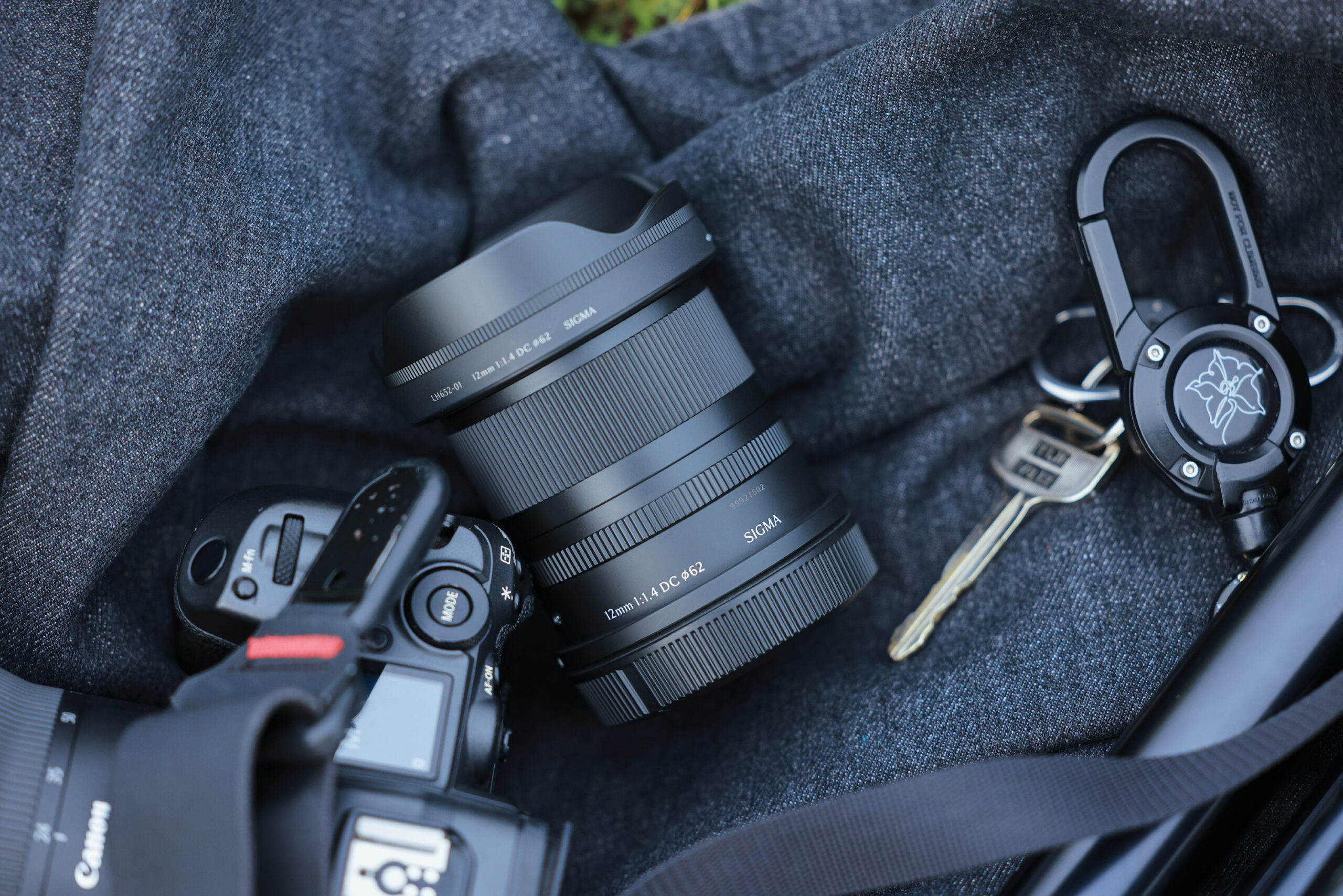
Sigma released firmware for three of its Canon RF-mount APS-C lenses on 19 November 2026. On supported cameras, the update lets you switch the lens’s focus/control ring setting from the camera menu. It is a change to how you set up the ring, not a new lens or a universal feature across all Canon RF bodies.
Which lenses are covered?
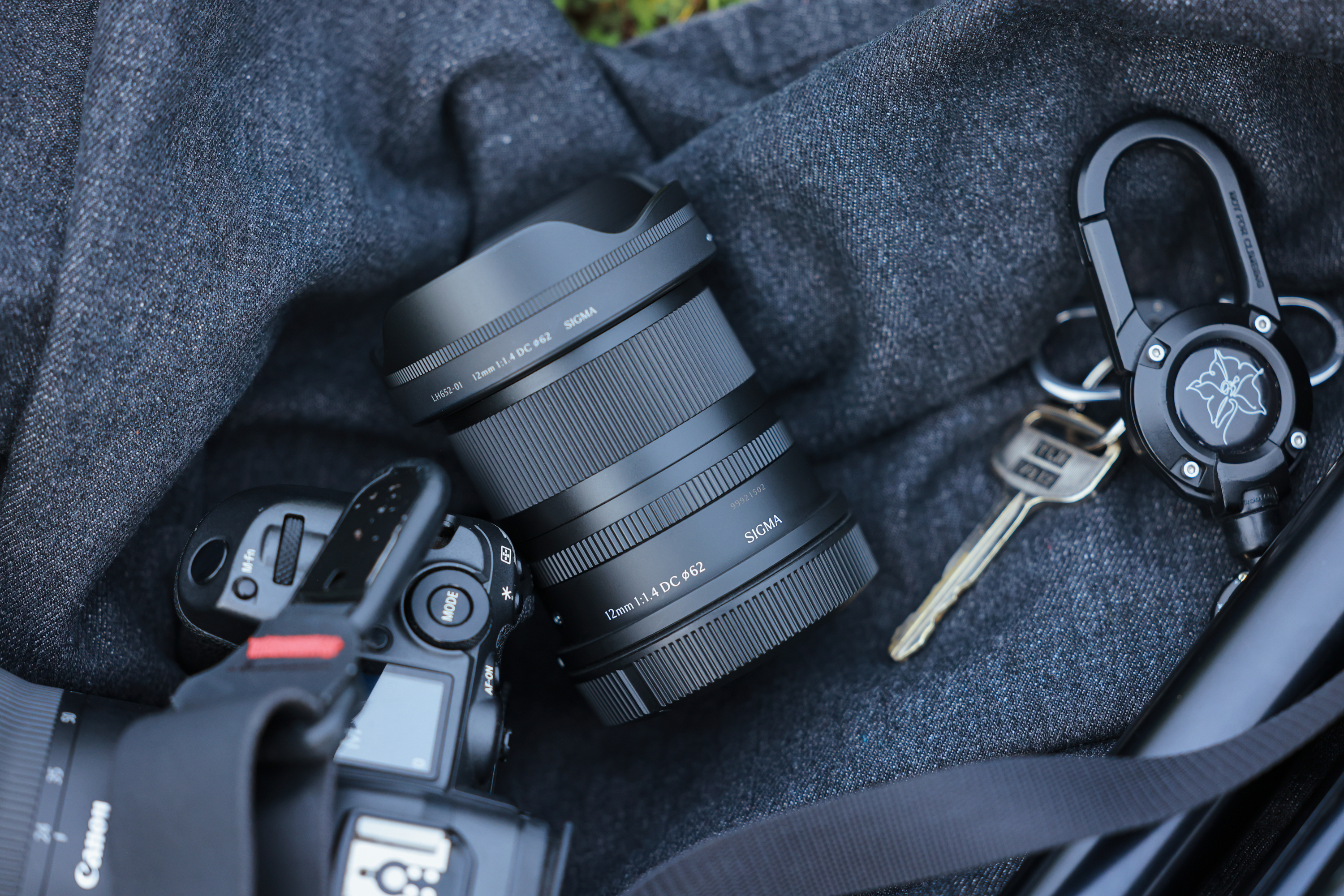
- Sigma 12mm F1.4 DC Contemporary: version 1.0.1.
- Sigma 15mm F1.4 DC Contemporary: version 1.0.1.
- Sigma 17–40mm F1.8 DC Art: version 1.0.3.
Those version numbers apply to the Canon RF versions only. Sigma’s release note does not list compatible camera bodies, so check that your own camera exposes the setting rather than assuming every RF body supports it.
What to check before a shoot
If you swap between manual focus and a different ring function, check how the ring is assigned before you start. For video, run a short take and make sure turning the ring changes what you expect. That is particularly useful if another operator has used the same body.
Find your lens in Sigma’s firmware downloads, select Canon RF and follow the manufacturer’s instructions. This report is based on Sigma’s release notes, not hands-on testing.