

CINEVIEW JOURNAL
How Do You Keep Product Sizes Consistent Across a Studio Shoot?
26/11/2026
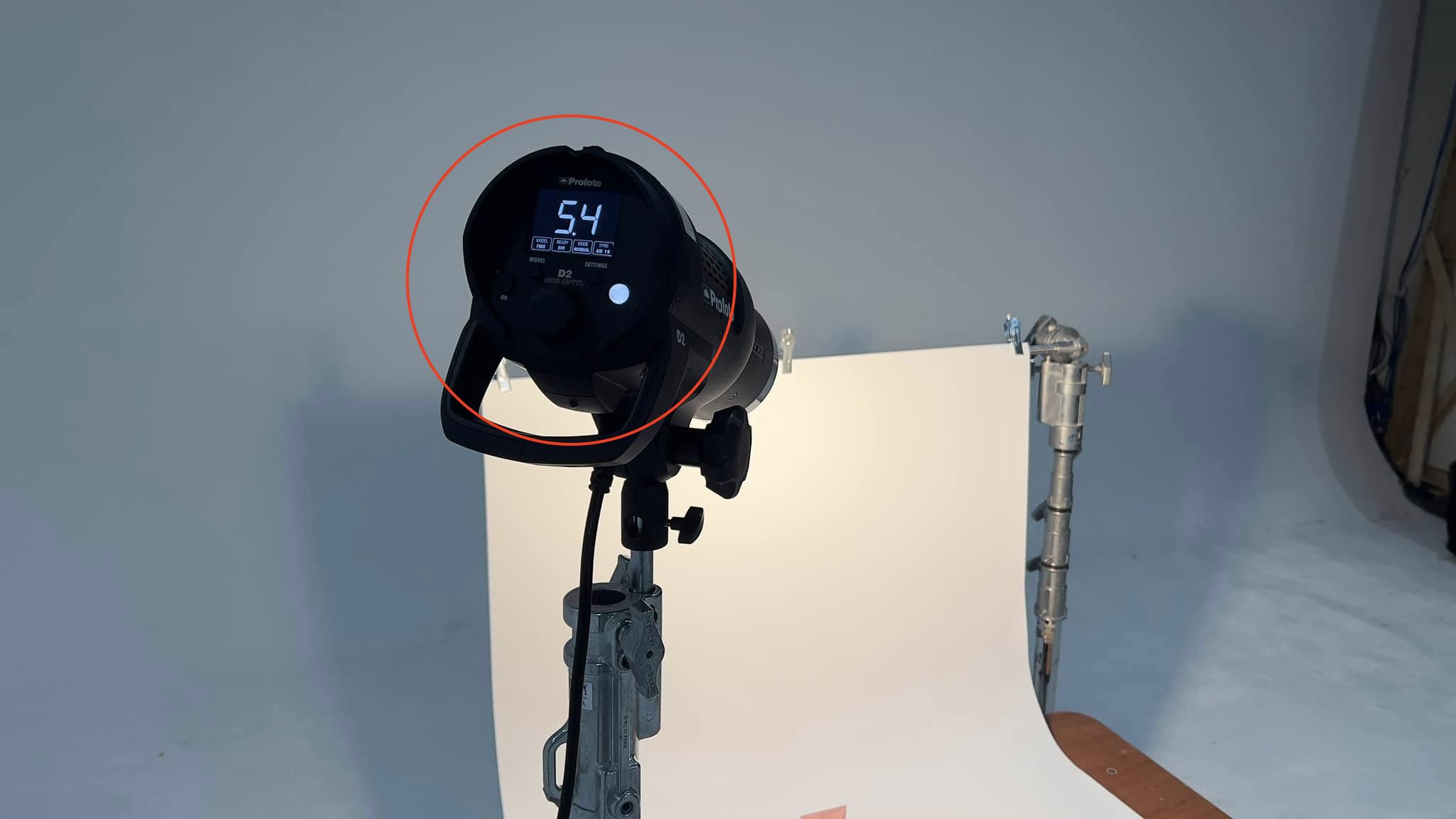
Decide before the shoot whether products should look correctly sized next to one another or fill the same amount of space in each shop image. Those are different jobs. If customers need to compare sizes, keep a fixed camera setup and export every image in that group at the same scale.
When should products be shown at the same scale?
Use a shared scale when a customer needs to see the difference between small and large variants, such as two sizes of the same bottle. The smaller one should look smaller in a side-by-side view. Equal framing can still work for a storefront grid where every thumbnail needs a similar amount of product in the frame. If the grid uses equal framing, add a separate comparison image or show dimensions prominently. See our guide to showing size, detail and what’s included for other ways to answer sizing questions.
How do you make the scale repeatable?
- Start with both extremes. Put the tallest and widest items into the test before shooting the rest. Check the actual export crop, including the empty space around each product.
- Mark the camera and product positions. Put the camera on a tripod and tape its position, height and angle. Set the focal length and mark where the front of each product should sit. If the front face moves towards the camera between shots, it can appear bigger even without a zoom change.
- Photograph a scale reference. Place a ruler where the front face of the product will sit, take one reference frame, then remove the ruler for the sale images. Repeat the reference after a lens change, significant refocus, camera move or overnight reset. Keep deep or unusually shaped products in their own group if the same setup no longer works.
- Check the exported files. Use the same crop size and resize for the comparable group. You can shift the crop to line up the product bases without zooming in on smaller items. Make a quick contact sheet from the exports and put comparable products next to one another. An automatic crop that enlarges each item to fill the frame can undo a careful setup.

What should you ask before booking photo studio hire?
Send the product count, the smallest and largest dimensions, the angles you need and the final image sizes. If you want a matching video angle, tell the team which footage must be framed separately. Cineview’s e-commerce photography studio page covers packshot and catalogue planning. Ask what camera supports and tethering kit are included in your photography studio hire in London quote.
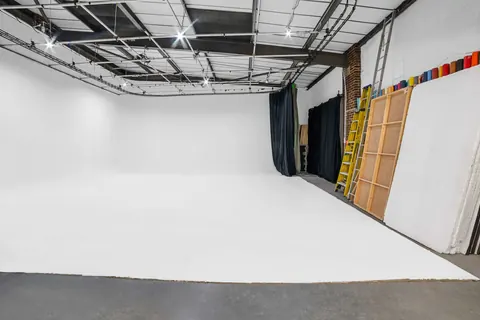
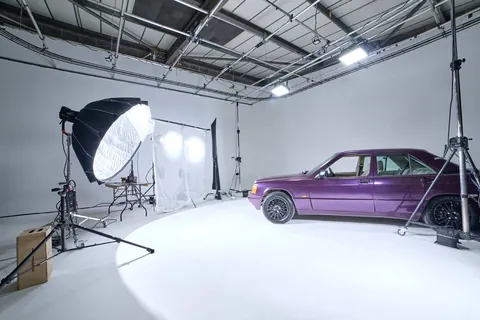
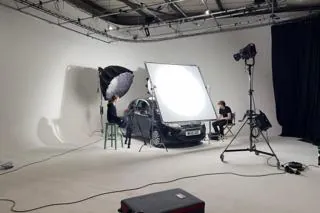
If you’re looking for a “photo studio near me” or a “photography studio near me”, check whether there’s space to keep the camera and table in place while the stylist works. Compare what a cheap studio hire quote allows for setup and resets. If you’re searching “studio hire London” or “hire photo studio” for larger products, an infinity cove studio can give you a seamless background. An infinity cove does not guarantee matching scale. A blackout studio helps when changing daylight would otherwise affect the setup. For blackout studio hire, ask what you can leave in place between setups. If you need stills and motion, see what to plan for film studio hire in London and build the handover into your schedule.
The solution: approve the export before shooting the full range
Pick two products with noticeably different sizes. Export one image of each and check them side by side. Once the result matches the brief, save the camera positions, reference frame and crop settings. If you need to keep the set in place across days, confirm that in your studio enquiry before booking.