
CINEVIEW JOURNAL
Why Do Some Frames Go Dark When You Shoot a Burst With Studio Flash?
26/11/2026
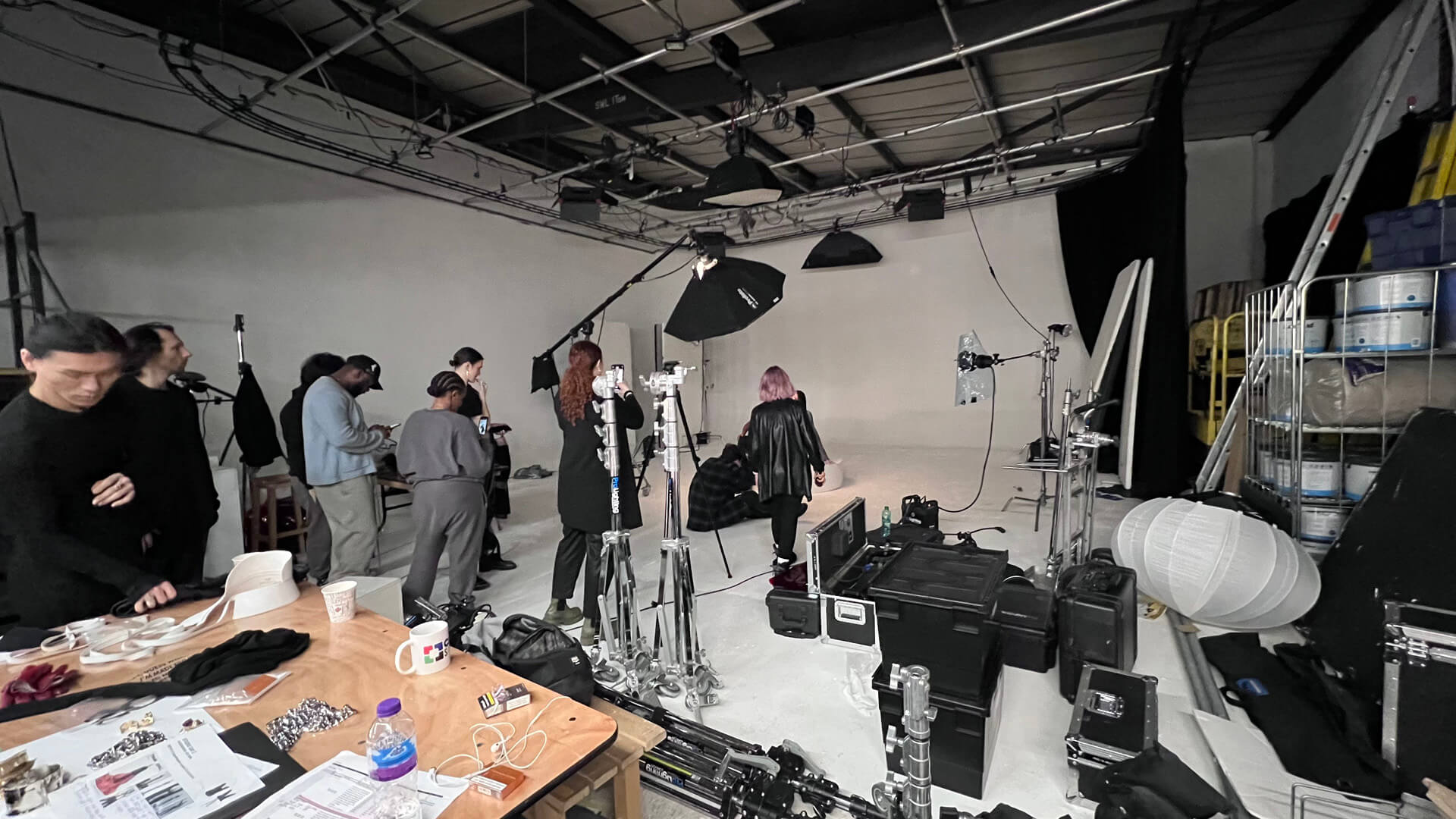
If the first photo in a burst looks right and the next few go dark, your studio flash may not have had time to recharge. This is called flash recycle time. Test the lights at the power and shooting speed you plan to use. A single good test shot does not tell you how the setup will behave during a burst.
How can you tell whether the flash is keeping up?
- Take one reference frame. Set manual exposure, use a shutter speed within your camera’s normal flash sync range, and wait for every flash head to show it is ready. Take a single frame. If that frame is dark too, check the flash trigger and camera settings first.
- Repeat the pace of the real shoot. With the same exposure and lighting, take a short burst at the drive setting you intend to use. Compare every frame on a tethered screen or the camera. Then try the same sequence more slowly, giving the lights time to recharge. If the slow sequence is even but the fast sequence varies, recycle time is a likely cause.
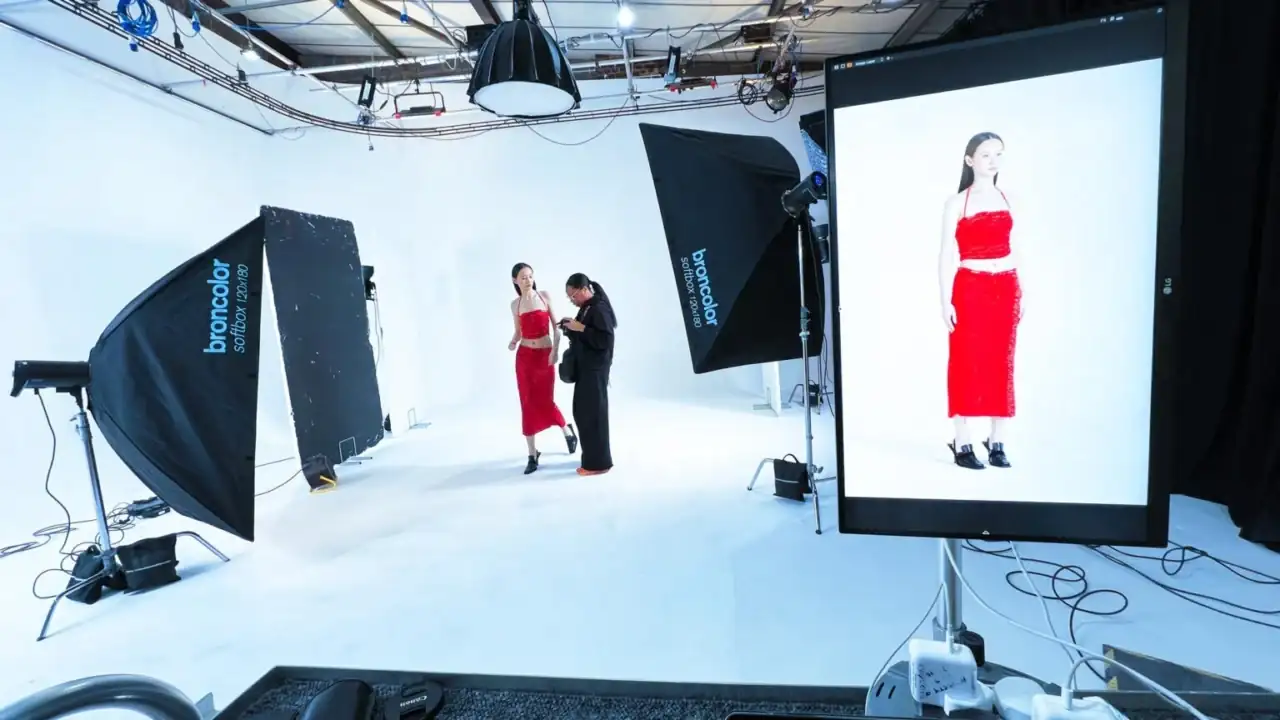
- Look for the part of the image that changes. If the face stays bright but the white background turns grey, test the background lights on their own. If the face darkens but the background holds, check the key light first. A head that fires does not necessarily deliver its full set output on every frame. If the problem is a dark strip across the same edge of every frame, check shutter sync instead.
What can you change without ruining the lighting?
- Shoot at the pace the setup can sustain. For a fashion lookbook, ask the model to repeat a step or turn and time one frame at its peak. For an e-commerce shoot, agree a rhythm with the stylist so they can reset the product between frames.
- Lower the flash power if you need a faster sequence. Try one stop less power and one stop more ISO. Check how the higher ISO affects ambient light and noise. If you move a light closer instead, check how the shadows and coverage change. Then repeat the burst test.
- Ask about a different lighting setup if you need every frame. Discuss the output, recycle time and modifier you need with the studio. For a session that includes stills and motion, test continuous lighting on both cameras to check motion blur, exposure and flicker.
Flash duration and recycle time are different. Flash duration helps determine how well a short pulse freezes movement when flash dominates the exposure. Recycle time is how long the head needs to be ready for the next shot. Check both if you are photographing a jump or a fast turn. Broncolor lists them separately in its Siros S specifications.
What should you ask before booking photo studio hire?
If you’re searching for a “photo studio near me” or “photography studio near me”, send the studio your camera model, the kind of movement you want and whether you need a burst or just one sharp frame. For photography studio hire in London, check the Cineview equipment list and ask for written confirmation of the heads, trigger and modifiers you need. A cheap studio hire quote is harder to compare if it doesn’t say what lighting is included.
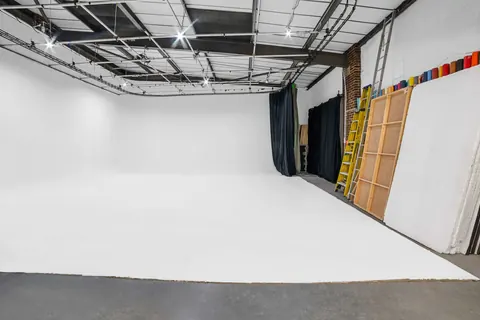
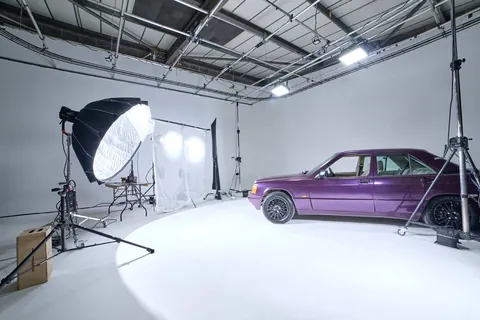
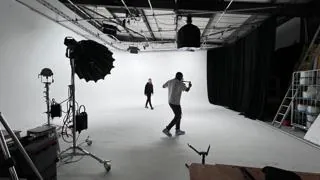
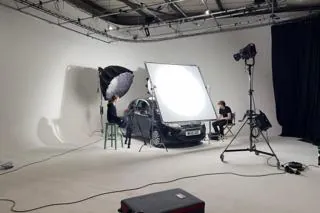
When you compare “studio hire London” or “hire photo studio” listings, pick the room for the look you need. The infinity cove studio gives you a seamless white background, but you should test the lights on the infinity cove separately from the lights on the subject. A blackout studio can help you manage unwanted daylight. Blackout studio hire won’t make a flash recharge faster. If the brief also calls for video, ask about film studio hire in London and check what continuous lights are available for the motion work.
The solution: set the pace by the slowest light
Before the client arrives, run a complete test at your intended pace and check the subject and background in every frame. If one head keeps falling behind, lower its power or slow the sequence and test again. When you enquire about a studio booking, mention the burst you need and ask whether you can build that test into your setup time.