
Cineview community resources · Free download
Free Moodboard Template
Use this free moodboard template to turn a loose visual idea into a clear brief. Collect references for colour, light, framing and texture, then explain what your crew should take from each one.
No sign-up required. Edit the Word document in Microsoft Word or Apple Pages.
See the worked example ↓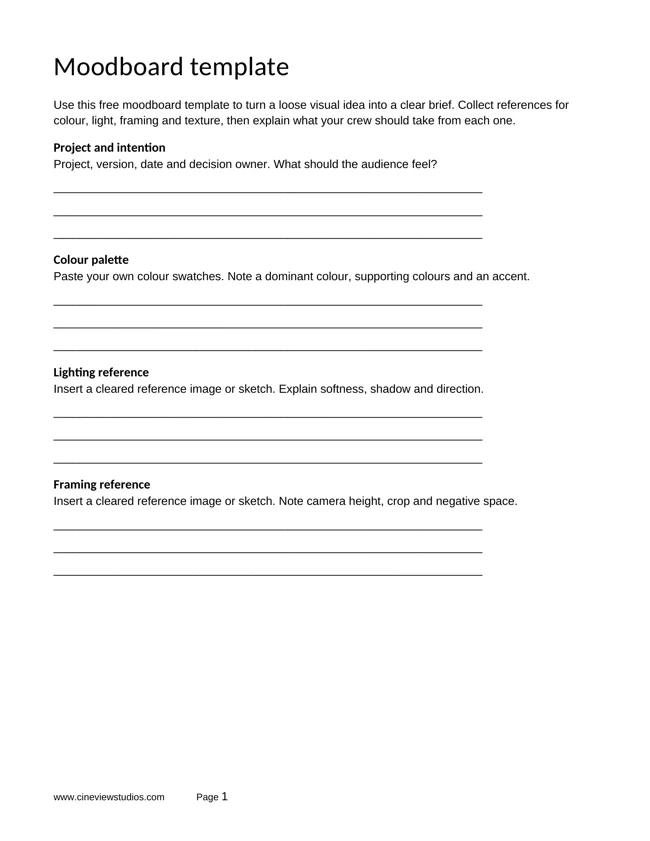
Your planning document, ready to use
How to use your free moodboard template
Step 1
Choose an intention
Write a specific audience response. A clear purpose helps you judge whether each reference belongs.
Step 2
Explain each reference
Annotate the light, crop or texture you need. Different crew members can read the same photograph differently.
Step 3
Agree the practical look
Check the proposed props, backgrounds and lighting against the shoot budget. Record decisions and rights before sharing.
What is in the download?
Complete the blank planning pages, compare the worked example and use the guidance to prepare your next version. Duplicate response sections when the project needs more detail.
Moodboard template
- Project and intention
- Colour palette
- Lighting reference
- Framing reference
Texture and approval
- Textures and styling
- Sound and movement
- Reference rights
- Feedback and decision
Planning in practice
A worked example
This original fictional teaching example shows how planning choices connect. Adapt it to your own brief; it does not describe a commissioned or completed Cineview client production.
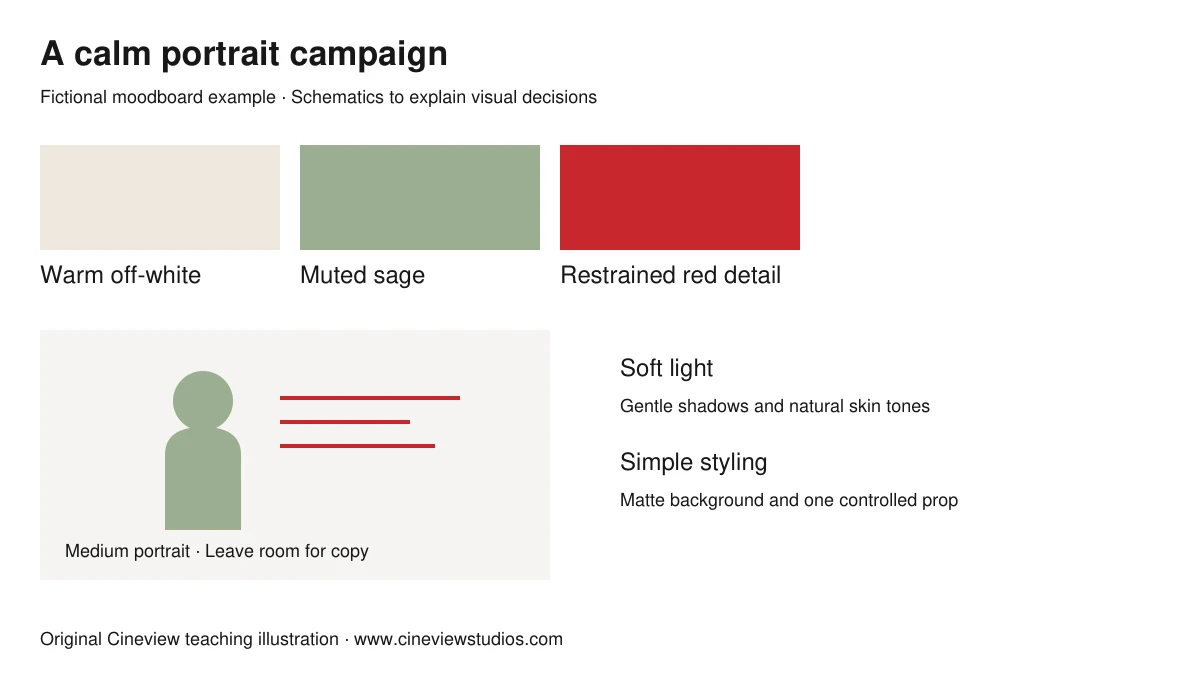
Brief
A fictional skincare portrait campaign: calm, fresh and approachable.
Palette
Warm off-white background, muted sage styling and a restrained red detail.
Light and framing
A large soft key gives gentle shadows; a medium portrait leaves space beside the face for copy.
Production choice
Use a matte surface and a simple prop. Test skin tone and product colour before approving the look.
Watch and compare
Color Theory in Film — Color Psychology for Directors
Reference video from StudioBinder. Use it as another perspective alongside the worksheet. Publisher views are their own, and inclusion does not imply endorsement.
The video loads from YouTube only when you choose to load it. YouTube’s privacy and terms then apply.
Watch on YouTube ↗Further reading: StudioBinder film moodboard guide
Questions before you start
Can I use it for film and photography?
Yes. Keep the lighting, colour and framing sections for both. Adapt sound and movement to the medium.
Can I paste images into the Word file?
Yes. Replace the response space with your own images in Word or Apple Pages. Check image permissions before distributing it.
Is a moodboard a shot list?
No. It describes a visual direction. Turn the agreed direction into specific shots, setups and a schedule afterwards.
Can I edit the file in Apple Pages?
Yes. Open the downloaded .docx file in Apple Pages and adapt it to your project. The download is a Word file rather than a native .pages file.
Keep planning your production
Free PDF and Word
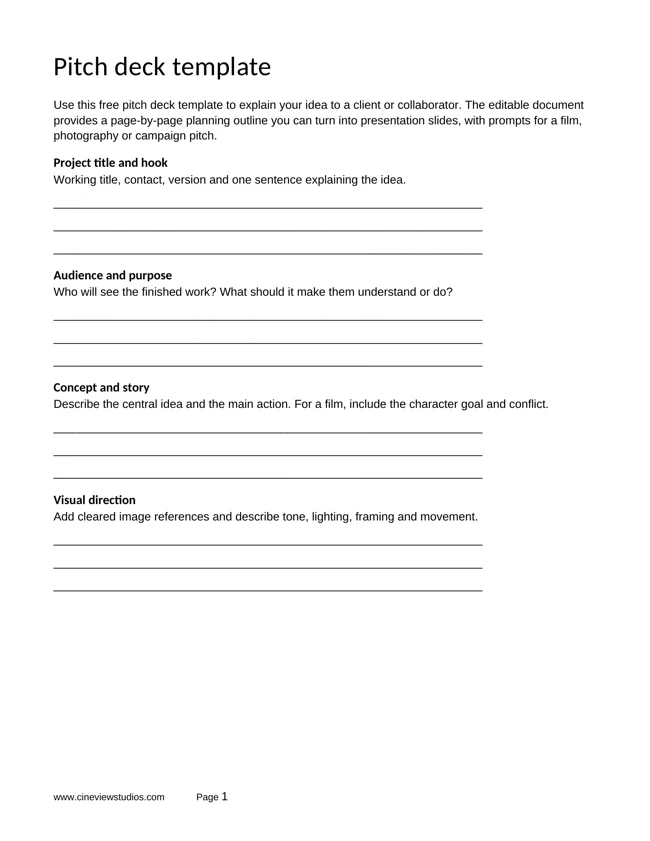
Free Pitch Deck Template
Download a free pitch deck template in PDF and Word for film and photography projects. Develop the concept, visual approach, deliverables and clear next step.
Get the free template ↗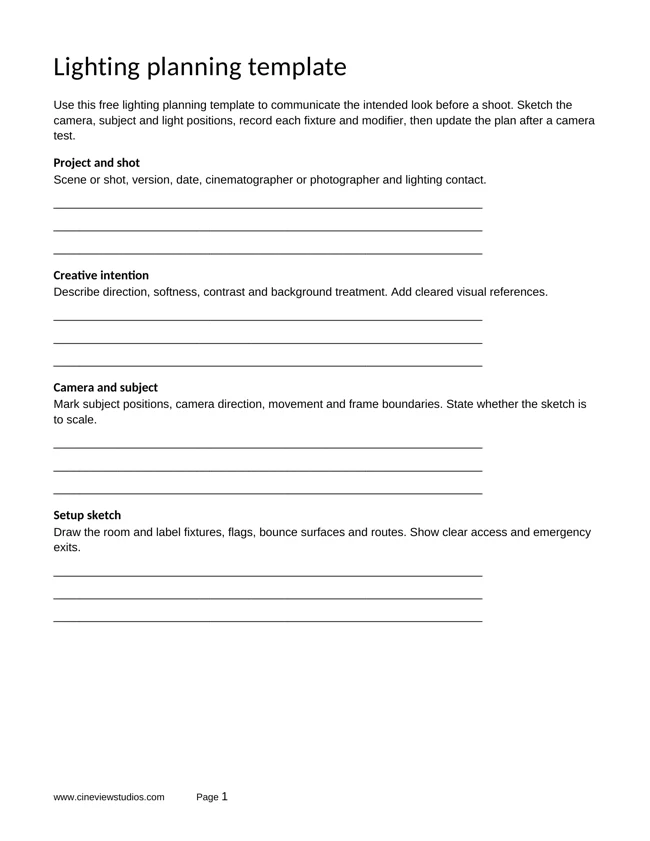
Free PDF and Word
Free Lighting Planning Template
Download a free lighting planning template in PDF and Word. Map camera and light positions, log fixtures and record tests for photography and filming.
Get the free template ↗Free storytelling templates
Develop the character goal, scene connections and structure behind your next film idea.
Explore story worksheets ↗Plan your shoot at Cineview Studios
Explore film studio hire and photography studio hire, compare the equipment list and discuss your setup with the studio. Your planning documents are optional to share with Cineview; contact us with the space, dates and equipment you need.
Send this free resource to a colleague, your production team or a WhatsApp group.
Use and attribution
You may adapt our original worksheets for your own production planning. Keep the website credit when sharing an unchanged template. These educational resources are not legal, financial or safety advice. Film titles, story frameworks and third-party videos belong to their respective rights holders. Cineview Studios is not affiliated with those publishers, and inclusion does not imply endorsement.
References are provided so you can compare approaches and form your own view. Check the rights to any photographs, scripts, music or other material you put in a production. Protect personal information when sharing crew and cast documents.