
Cineview community resources · Free download
Free Production Assistant Checklist Template
Use this free production assistant checklist template to organise arrival, crew support, communications and wrap tasks. Download the printable PDF or edit the Word file to suit your project.
An original Cineview planning worksheet. Duplicate rows and pages when your project needs more space.
No sign-up required. Open the .docx file in Microsoft Word or Apple Pages. A native .pages file is not included.
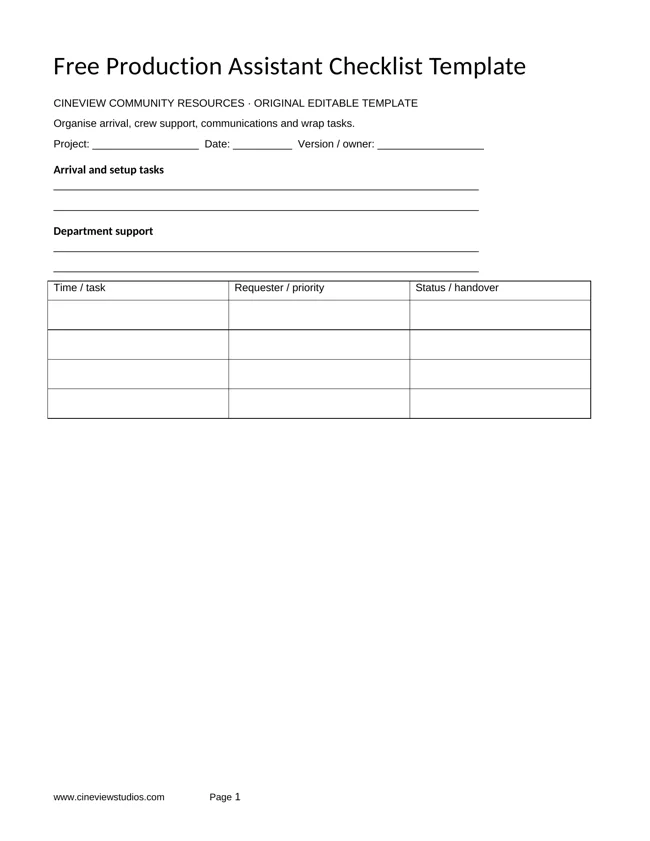
Preview your free document
What is in the free production assistant checklist template?
The download brings these sections together in one editable document. Fill the project details, keep a dated version and give each section a clear owner.
- Arrival and setup tasks
- Department support
- Runner requests and contacts
- Wrap and outstanding actions
The repeatable table records time / task, requester / priority, status / handover. Use the second page for remaining details, unresolved questions and handover actions. The PDF is designed for printing; it is not an interactive fillable PDF.
How to use your free production assistant checklist template
Step 1
Start with confirmed information
Write the project name, date, version and person maintaining this record. Check missing details with the relevant department rather than treating an assumption as confirmed.
Step 2
Complete the working record
Check task priorities with your supervisor. Record completed requests and unresolved items rather than silently changing department instructions.
Step 3
Check and share the current copy
Review the completed document with the people responsible for the work. Keep identifiers consistent with other production records, restrict personal information and note any decisions still outstanding.
Keep it useful on a real shoot
Check task priorities with your supervisor. Record completed requests and unresolved items rather than silently changing department instructions.
Discuss the document with the people who will use it. A short, accurate current record is more useful than a long form containing unconfirmed information. Change the headings to match your workflow, keep the version date visible and identify who can resolve questions.
For creative preparation, pair this with a free moodboard template or free lighting planning template. These downloads support your team; they do not replace agreed production procedures or professional judgement.
Questions before downloading
Is this template free?
Yes. Download the original PDF and Word files without creating an account. You may adapt them for your production; keep our website credit when sharing the unchanged template.
Can I use it in Apple Pages?
Yes. Open the downloaded .docx file in Apple Pages. The supplied file is a Word document rather than a native .pages file.
Do I have to send it to Cineview before my shoot?
No. Sharing planning documents with the studio is optional. Contact Cineview with your dates, space and equipment needs and any practical questions.
More free resources for your production
Production · Free PDF and Word
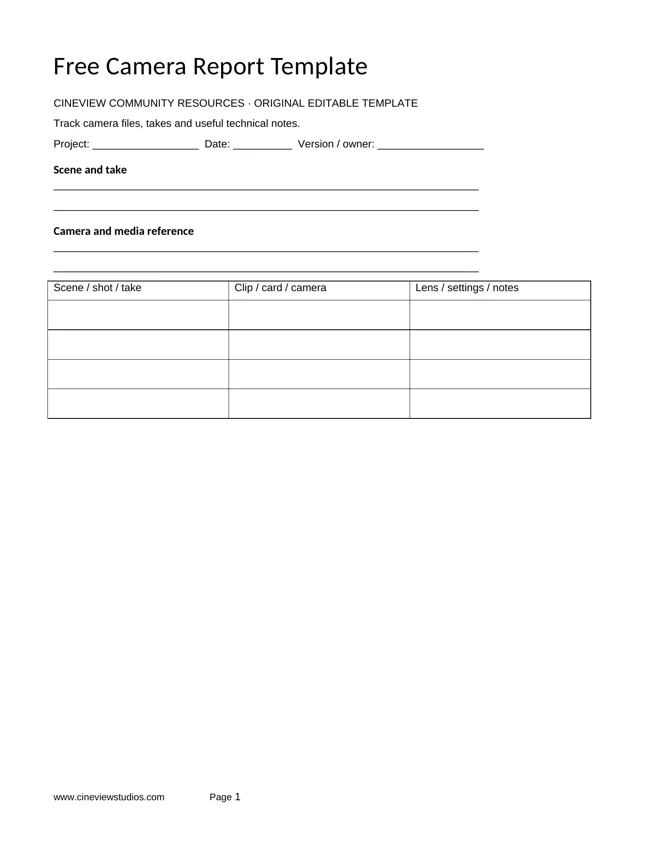
Free Camera Report Template
Track camera files, takes and useful technical notes.
Get the free template ↗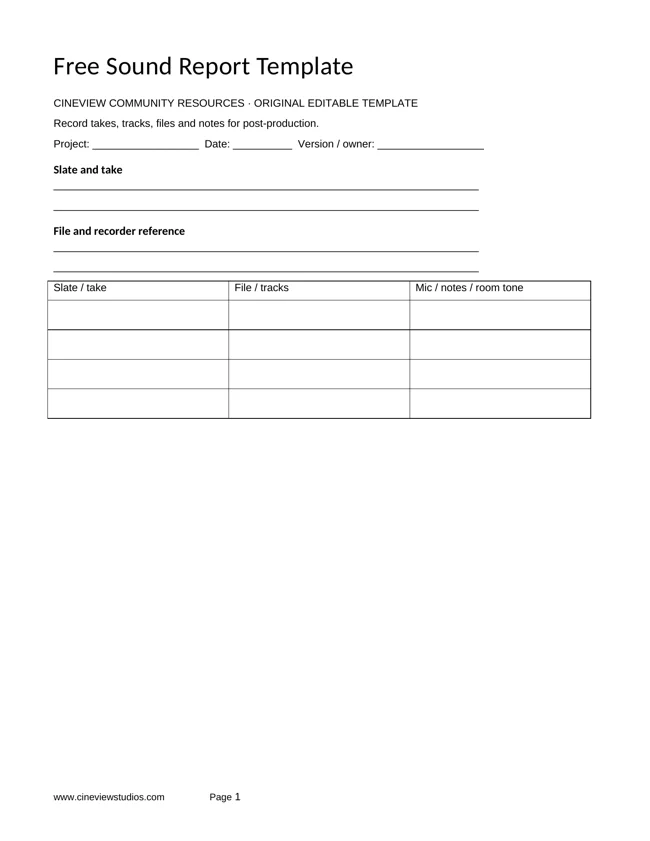
Production · Free PDF and Word
Free Sound Report Template
Record takes, tracks, files and notes for post-production.
Get the free template ↗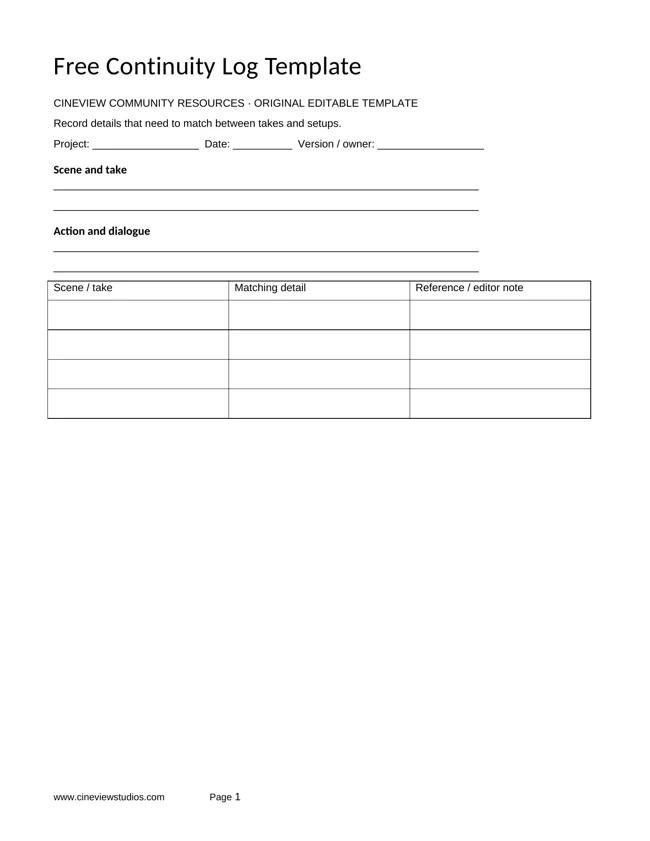
Production · Free PDF and Word
Free Continuity Log Template
Record details that need to match between takes and setups.
Get the free template ↗Bring your production to Cineview Studios
Explore film studio hire and photography studio hire. Compare the equipment list and discuss the space, dates and setup you need. You may bring your own equipment; the studio team can also discuss in-house equipment hire.
Send this free resource to a colleague, your production team or a WhatsApp group.
Use and attribution
You may adapt our original worksheets for your own production planning. Keep the website credit when sharing an unchanged template. These educational resources are not legal, financial or safety advice. Film titles, story frameworks and third-party videos belong to their respective rights holders. Cineview Studios is not affiliated with those publishers, and inclusion does not imply endorsement.
References are provided so you can compare approaches and form your own view. Check the rights to any photographs, scripts, music or other material you put in a production. Protect personal information when sharing crew and cast documents.