


CINEVIEW JOURNAL
Which Track Version Should You Bring to a Studio Music Video Shoot?
19/11/2026
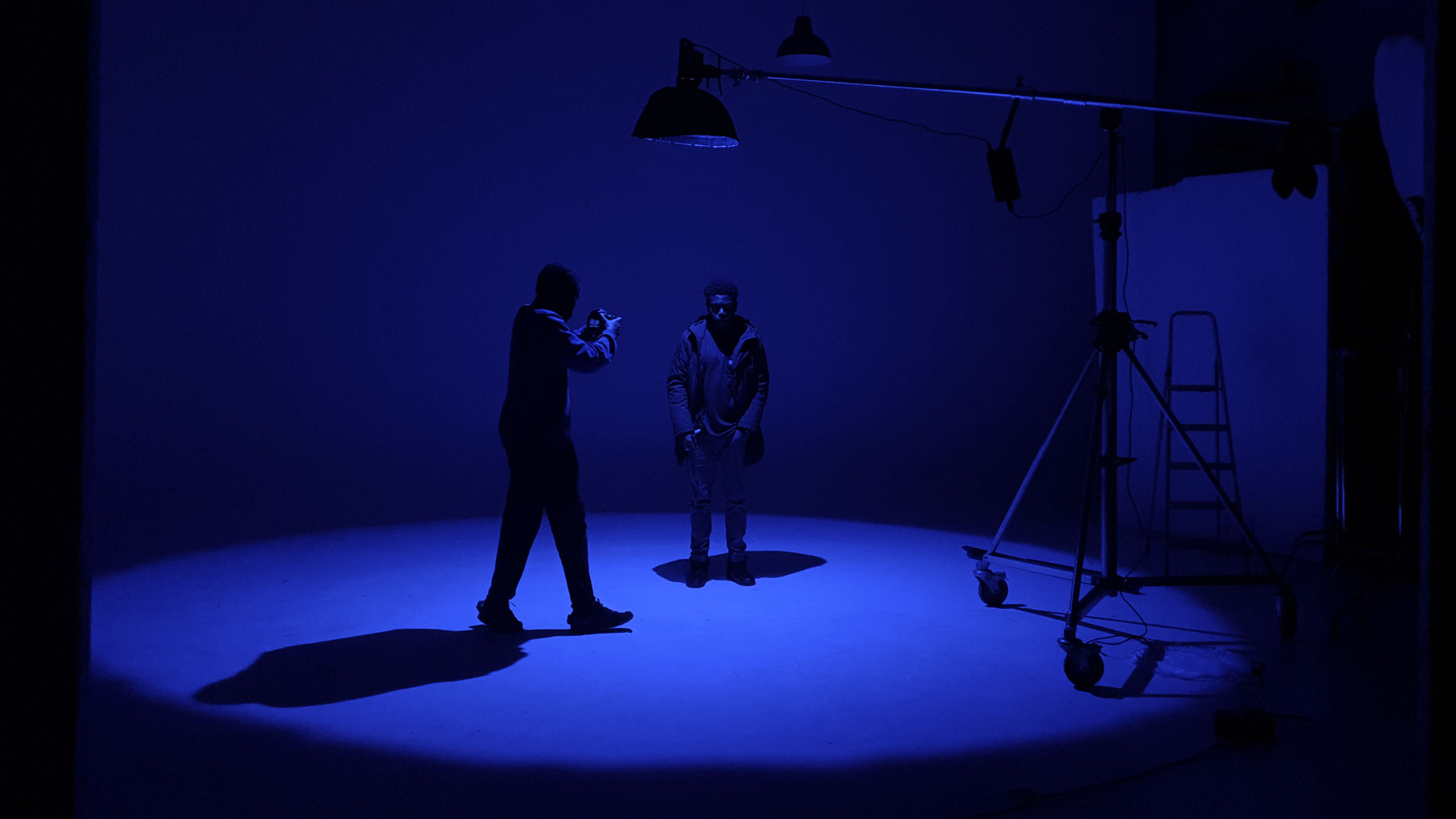
The lighting is ready and the artist knows the song. Then someone presses play and the second verse is shorter than the version used in rehearsal. The performance may be excellent, but the footage has been planned around the wrong edit.
For a studio music video, bring the version approved for that video, clearly labelled and checked by the artist, director and editor. If several versions are needed, give each one a separate purpose and a matching shot list. Do this before your film studio hire begins, not while the crew waits on set.
Agree which recording the finished video will use
A song can have a demo, album version, radio edit, clean version and later mix. Do not assume that a file called “final” is the one everyone means. Ask the person responsible for the release to identify the approved file and confirm it with the director and editor.
Listen through it together, or have each person check the same file before the shoot. Confirm the opening, verses, choruses, instrumental sections and ending. A shared title or similar running time is not enough to prove that two files contain the same performance.
Write the approved filename and version date at the top of the playback notes. Keep the file unchanged. If someone sends a replacement, review what changed rather than silently replacing the copy already used for rehearsal.
Give each alternative version a clear job
If the brief includes a clean version and an explicit version, ask the artist and editor which sections need different performance coverage. Do not assume changing the soundtrack later will make every visible lyric match.
A shorter promotional edit may start in the middle of a chorus or use a different ending. Identify those moments before filming. Write a simple version list:
- Main video: the exact approved track file.
- Alternative delivery: its filename and the sections that differ.
- Rehearsal or cue copy: its purpose and relationship to the main version.
- Change approval: one named contact for the production.
These are suggested labels, not a requirement to create extra versions. If the project needs only one, keep the plan simple. Move old drafts out of the active playback folder without deleting the production’s originals.
Mark sections so the team can restart consistently
Give verses and choruses clear names or numbers. “Second chorus” is more useful than “the bit after that line”. Record the start points against the approved file, and agree how much lead-in the artist needs before each filmed section.
A short insert may need the performer to hear the preceding phrase to enter naturally. Decide that during rehearsal. Keep the cue notes with the playback operator so a different crew member does not have to guess where to restart.
If a special shot needs altered-speed playback, let the director, camera team and editor agree and test the method together. Label that file separately. Do not improvise a speed change on the day and assume the edit will match.
Prepare the playback device before arriving
Bring a local, accessible copy of the approved file and a checked backup on a separate device or drive. Make sure the chosen player can open it without relying on a streaming search, account login or last-minute download.
Test the actual playback device, connection and speaker arrangement the production plans to use. Confirm who supplies and operates them. Review Cineview’s equipment list, then ask about the exact items required rather than assuming a playback system is included.
Keep unrelated notifications and automatic playlist changes out of the playback workflow. Agree suitable levels and studio arrangements with the team. If the shoot also records dialogue or a live performance, discuss those sound requirements separately; playback preparation is not a complete recording plan.
Check one recorded performance before the main takes
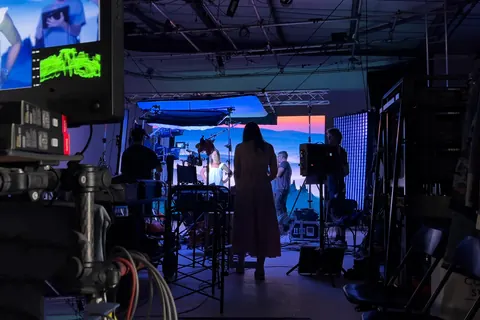
Record a short rehearsal using the planned workflow. Ask the editor, or the person checking the footage, to compare it with the approved track. Include a recognisable phrase and a section change so the test is useful.
Confirm that the artist is performing the intended words and arrangement, and that the team can identify the file used. This is a version check as well as a picture-and-sound check. Our music video production guide covers the wider planning, lighting and coverage.
Include playback preparation in the studio brief
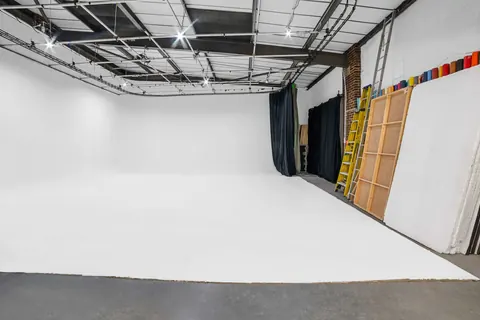
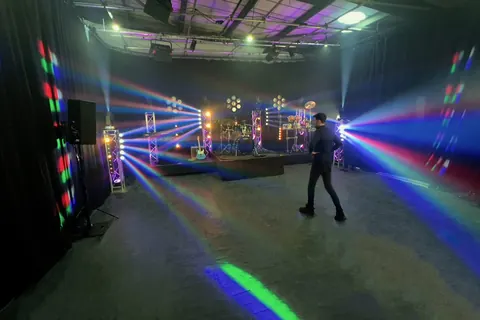
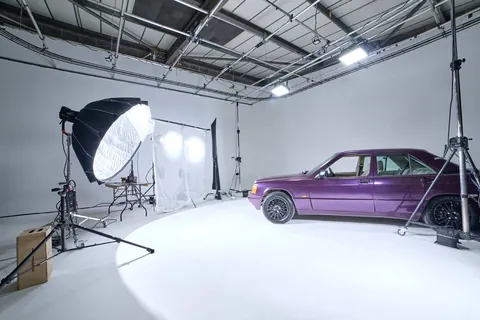
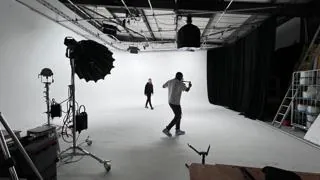
For film studio hire London projects, include testing and rehearsal time alongside setup, filming and pack-down. An infinity cove can provide a seamless performance background; an infinity cove studio still needs a clear playback plan. A blackout studio can support a different visual treatment, but blackout studio hire does not guarantee acoustic isolation or included sound crew.
If the booking includes artist portraits, list photo studio hire requirements separately. Photography studio hire and music-video filming may share lighting or wardrobe, but allow for their different checks. Before you hire photo studio space for a mixed campaign, tell the team when stills finish and playback begins.
Searches for “photo studio near me” or “photography studio near me” can help with travel. For photography studio hire London and studio hire London comparisons, send the complete schedule. Cheap studio hire is only useful if the booked time and agreed equipment support the work you need.
The solution: one approved track and a checked handover
Before filming, confirm the approved file, version list, cue notes, playback owner and backup. After filming, give the editor the exact files used and note any takes recorded to an alternative version. Keep those notes with the footage rather than relying on memory.
Contact Cineview Studios with your music video treatment, proposed dates, crew and playback needs. A clear version plan lets the artist concentrate on the performance while the team knows what the finished video is meant to match.